AI Tools
Quickly address all challenges faced by your team.
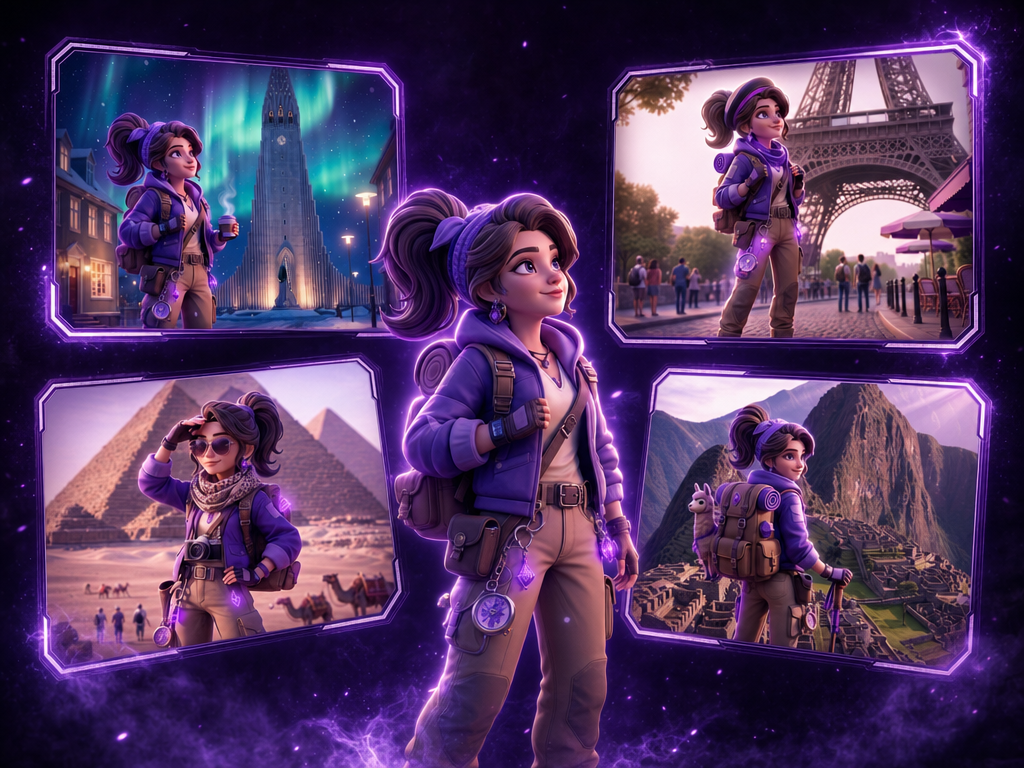
Send your game's character on location to real-world landmarks. Upload a character reference and name any destination — the workflow drops them into photoreal travel scenery with outfit, lighting, and setting matched to the location. Built for social teasers, UA hooks, and "our hero visits the real world" campaign moments.
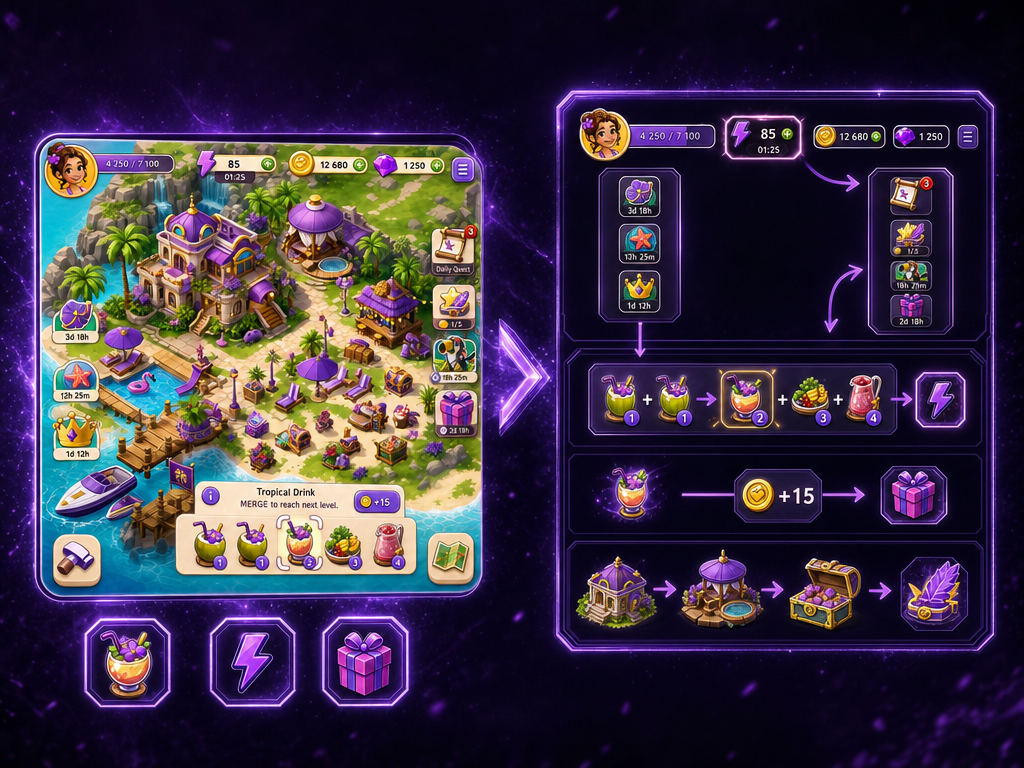
Generate gaming UA-ready "whiteboard explainer" creative from a game scene image: analyze the screenshot/concept art to identify UI, characters, objects, and implied actions, then redraw it as a sketch-style whiteboard diagram with blocks, arrows, and color highlights (ideal for UA concepts and internal pitch visuals).
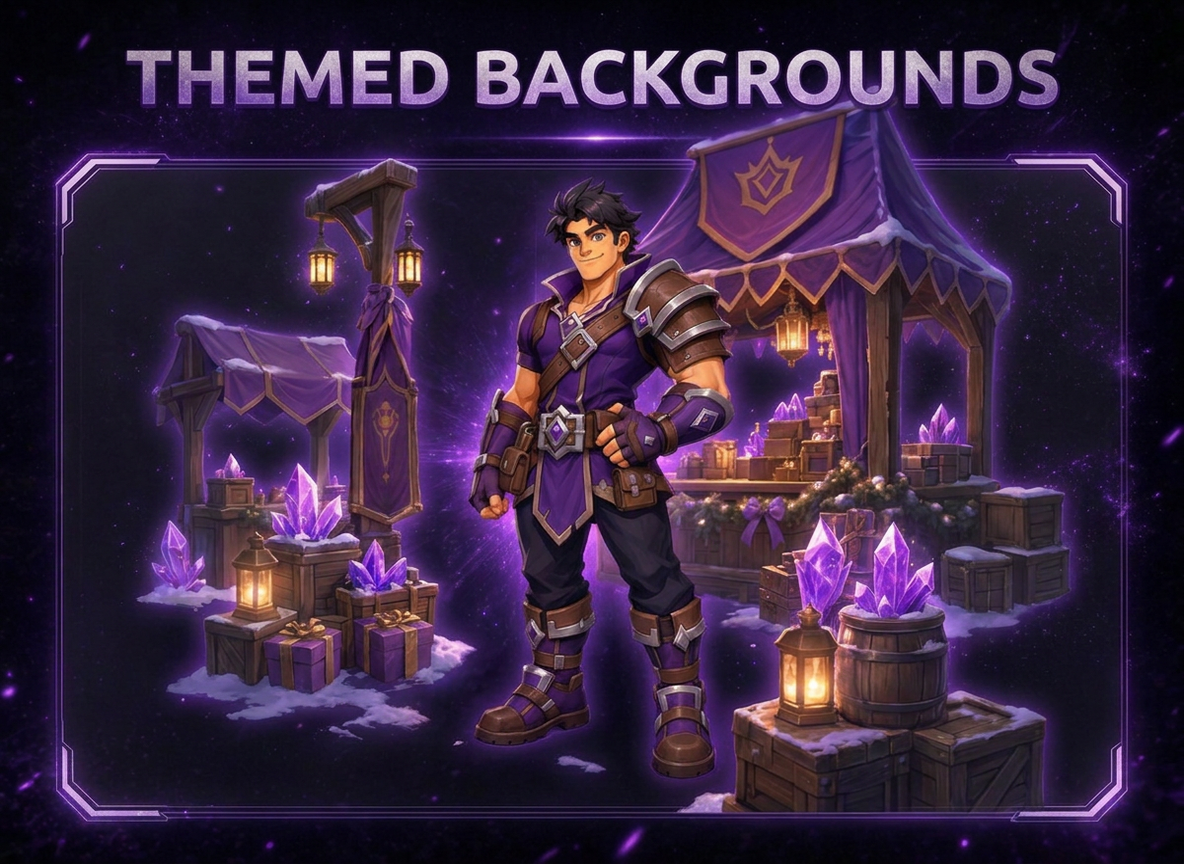
Drop your game's hero or character into a fully themed illustrated scene — instantly. Upload a character reference and enter a theme (a live-ops event, seasonal setting, or game-world moment — "winter festival," "boss arena," "victory podium," "space voyage"), and the workflow builds a brand-new colored backdrop plus playful white line-art details around your character to match it. Your character's design stays pixel-faithful to the source art — only the world around them transforms. Great for live-ops key art, seasonal event teasers, and rapid social content without touching your source assets.
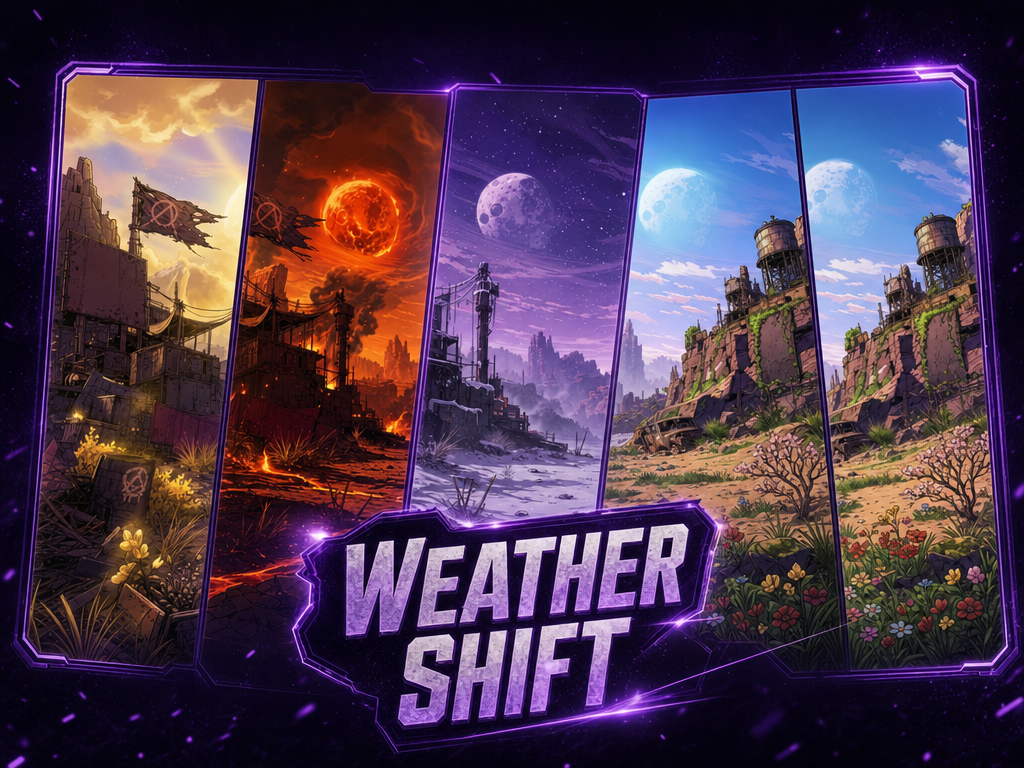
Generate weather variations of your game's environments and scenes. Upload a gameplay screenshot, concept art, or environment render, and describe the weather you want — rain, fog, snow, sandstorm, golden-hour haze, or anything else — and the workflow re-renders the scene accordingly while preserving the layout, geometry, and key elements. Useful for seasonal event art, live-ops variants, mood/lighting exploration, and UA creative testing across different atmospheric looks.
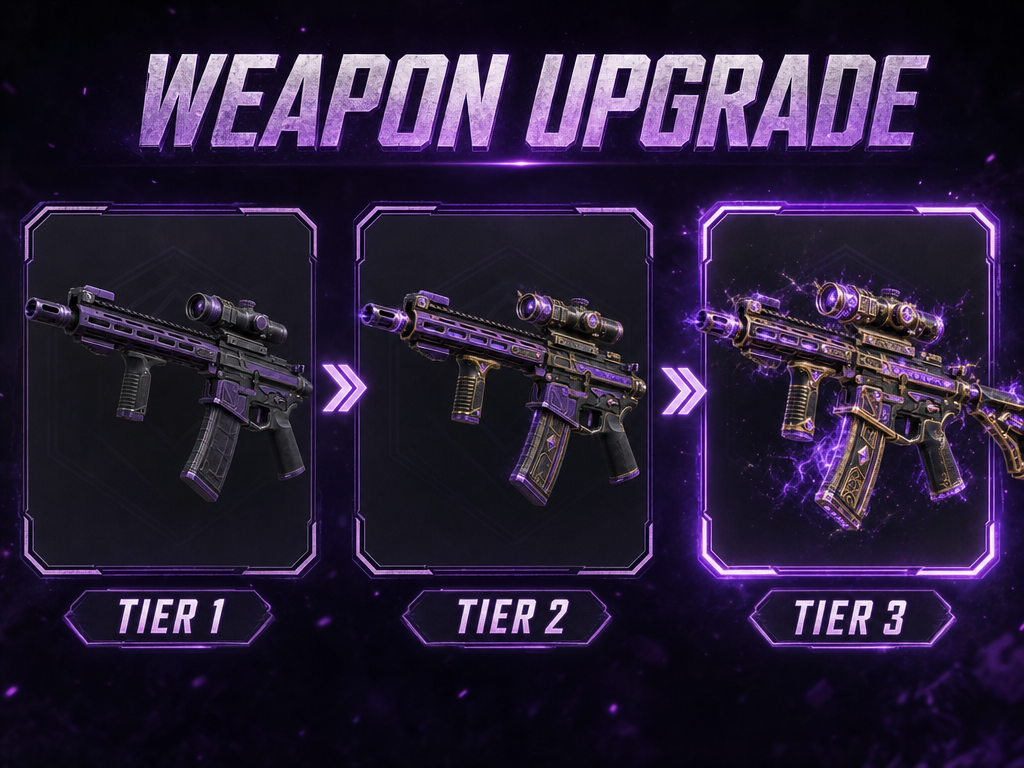
Upload any weapon and get two epic evolved versions plus a cinematic looping transformation video, powered by AI.
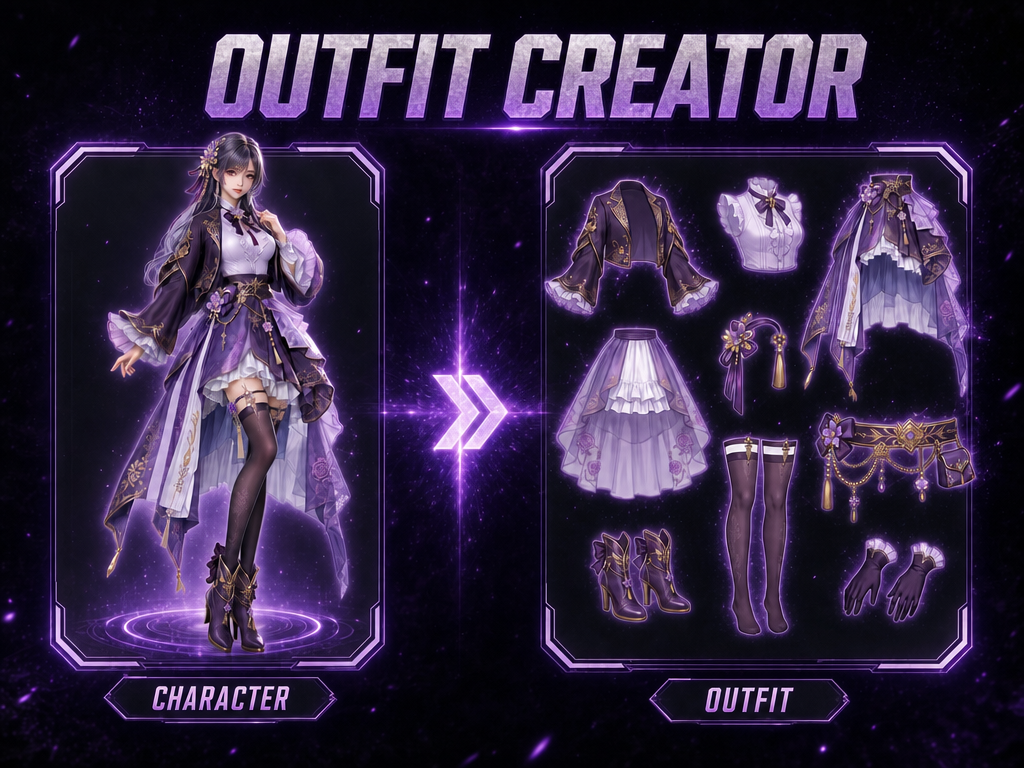
Upload a full-body game character reference (concept art, in‑game render, or character sheet) and get two outputs: 1) A catalog-style breakdown sheet: full character centered, each visible outfit piece/accessory/held item isolated around it with clean connector lines and material close-ups. 2) A set of standalone, UI-ready item assets: one image per extracted clothing item/accessory/held object, background removed to true transparency (alpha) for direct import into dress-up/inventory UIs. Designed for accurate outfit/skin documentation, concept hand-off, and marketplace display art. Preserves materials/colors/design from the source (no redesign).
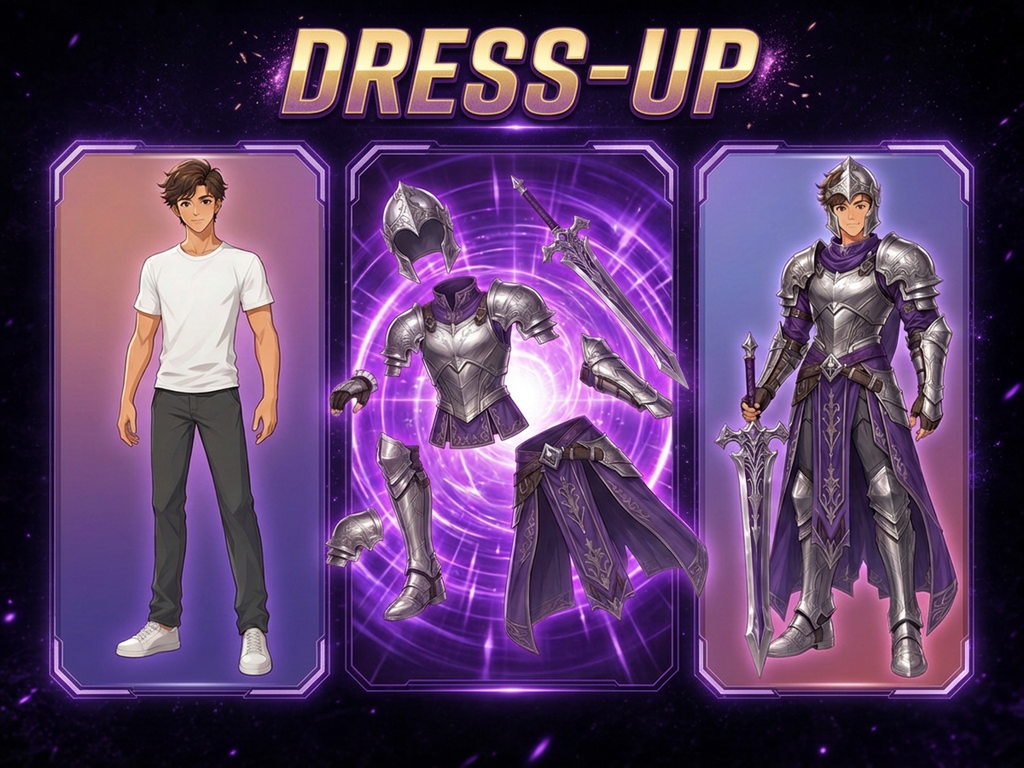
Dress your game character in any outfit. Upload a character reference (concept art or in-game render) plus one or more outfit/accessory asset images (including isolated PNG exports on transparency). The workflow fits the outfit onto the same character with consistent proportions, drape, and lighting in the character’s art style, preserving the character’s identity and leaving the original background unchanged.
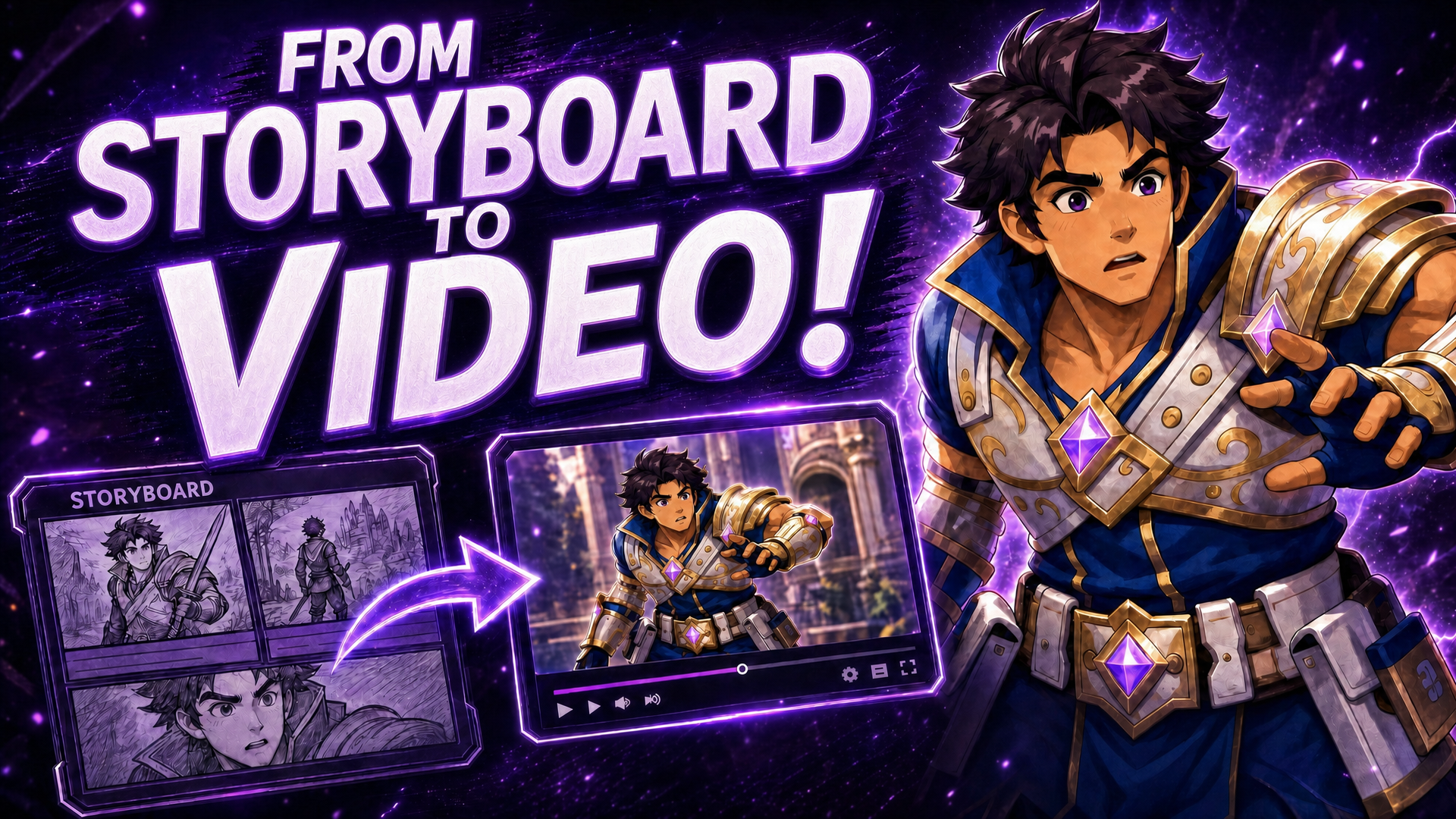
Creates eye-catching video thumbnails from images and text. Upload photos or concepts, add a title, and get bold, clickable thumbnails with dramatic effects and text overlays.
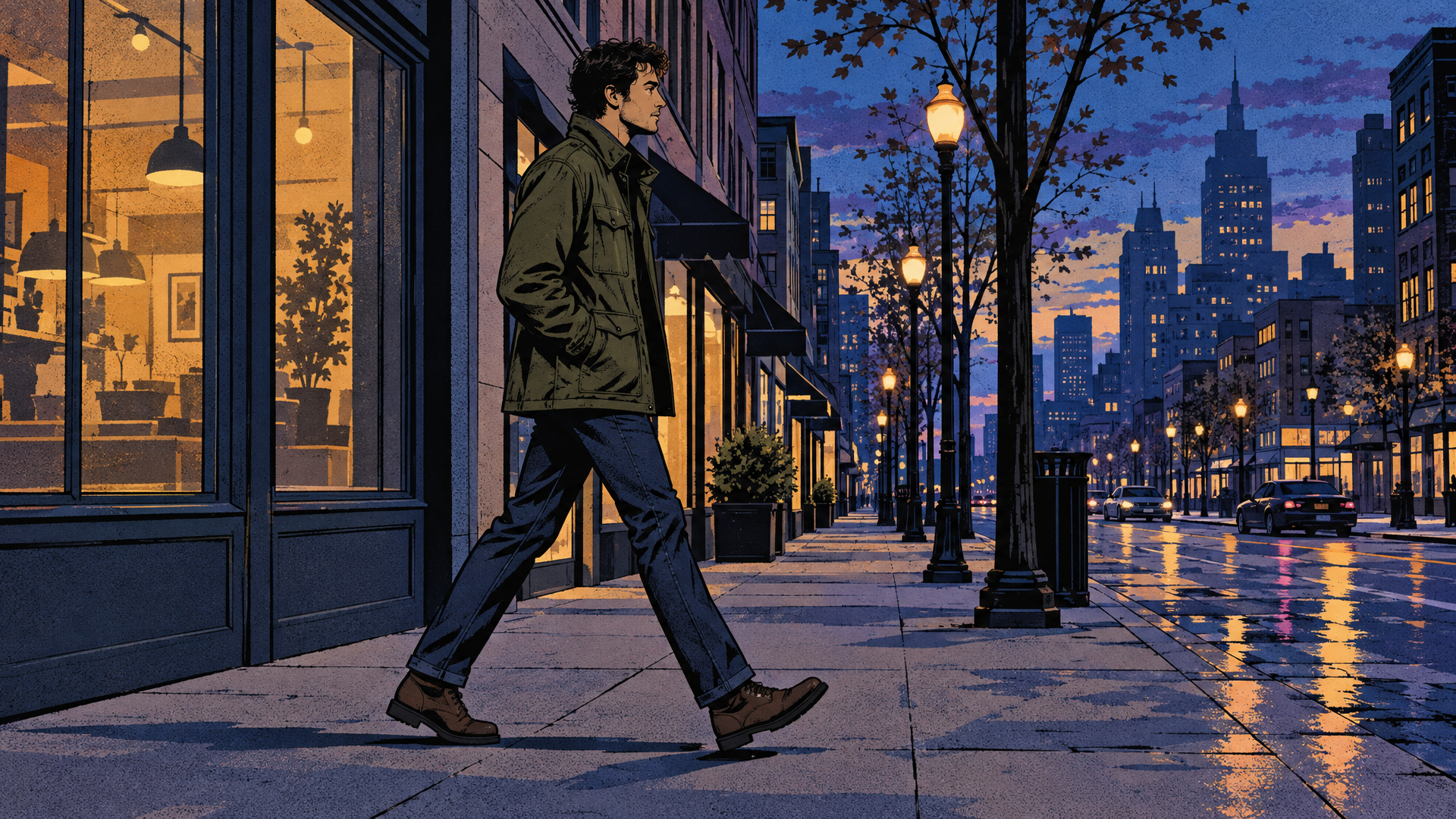
Re-render any short source clip in the rendering style of a reference image while preserving the original shot exactly. Use live-action footage, gameplay capture, or previs as motion and composition source; use one style reference for art direction. The output keeps motion, timing, clip duration, camera movement, framing, subject count and placement, and actions unchanged, while changing only technique, linework, texture, palette, lighting, materials, and rendering. Reference subjects and composition are never imported. Best for look tests, stylized trailers, cinematic experiments, and previs-to-final exploration.
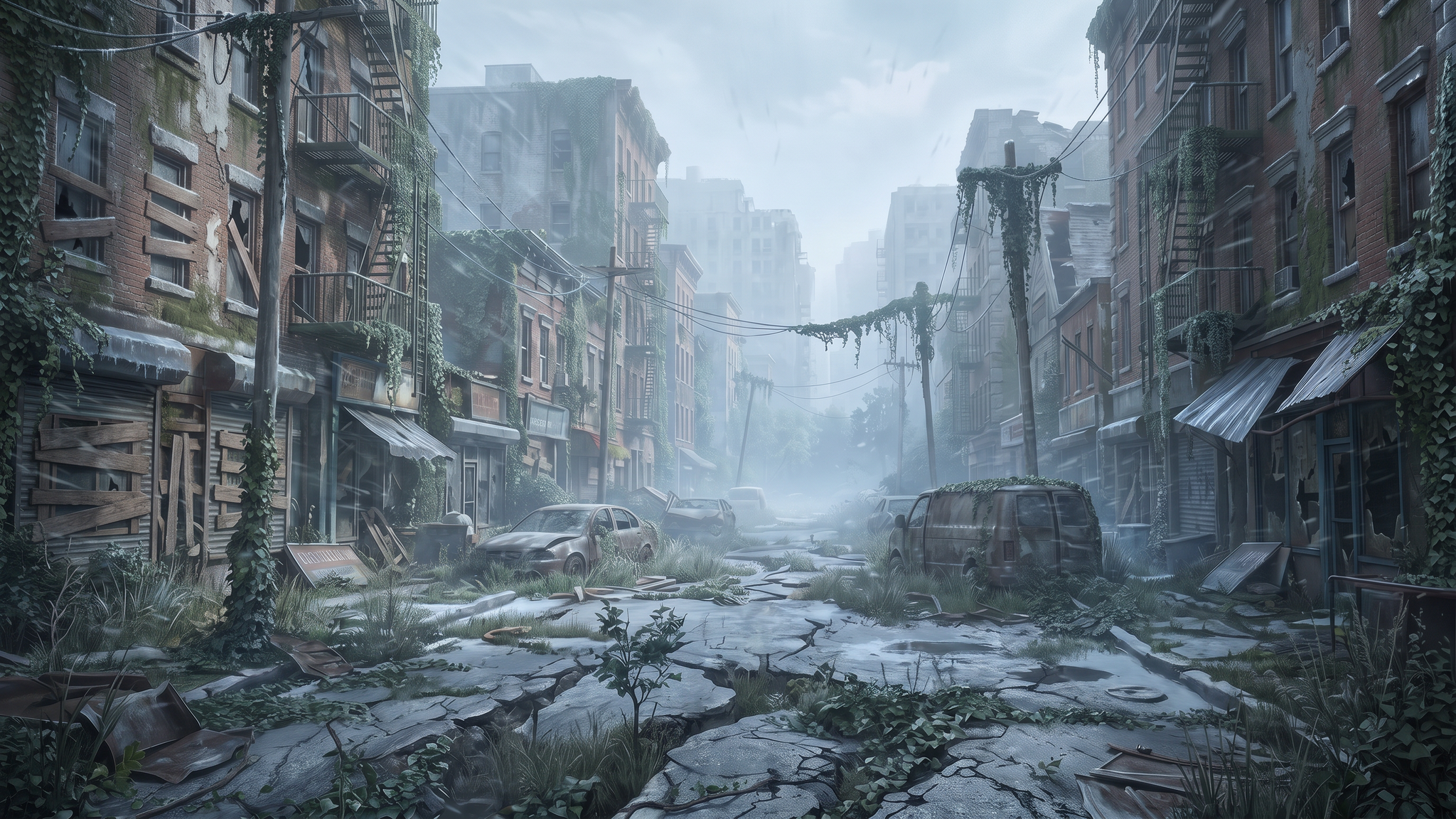
Relight a game environment capture—such as a level flythrough, cinematic camera pass, or environment showcase—with a lighting and mood reference plus an environment-lighting direction. The original camera path, geometry, architecture, terrain, props, and scene content remain locked. Only lighting, color grading, weather, fog, and atmospheric treatment change. Built for environment-art reviews, level-lighting pitches, and seasonal-event mood previews; not for gameplay, combat, or character-action footage.
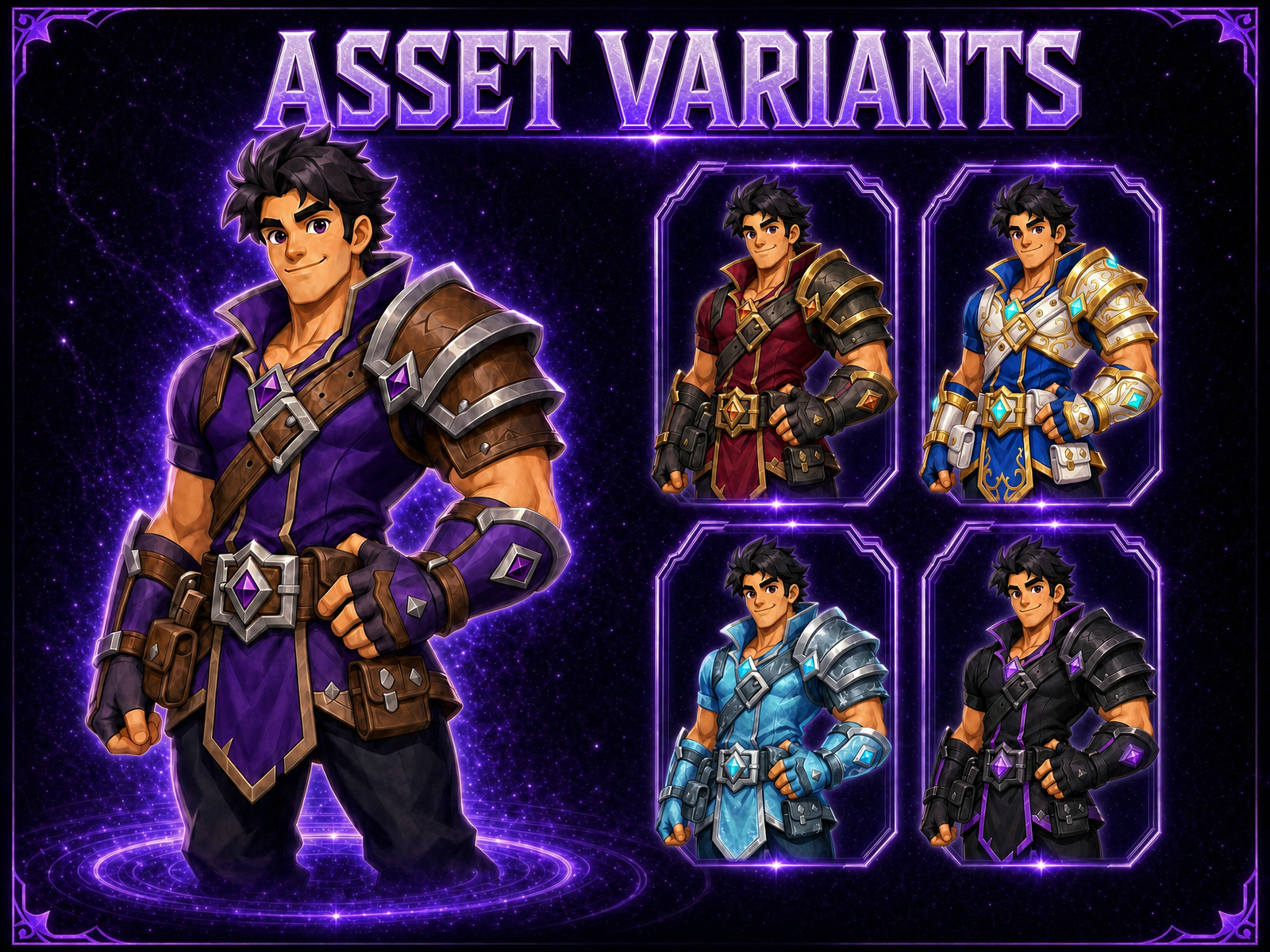
Generate production-ready variants of a game asset — character, weapon, item, prop, or environment piece — while keeping its silhouette, pose, composition, and structural layout exactly locked. Upload one source asset to create alternate color palettes and materials, rarity-tier escalation from common to legendary, seasonal reskins, or stylistic alternates that remain usable as drop-in replacements. Ideal for rapid character skins, weapon variants, item sets, and production palette exploration without redesigning the asset.
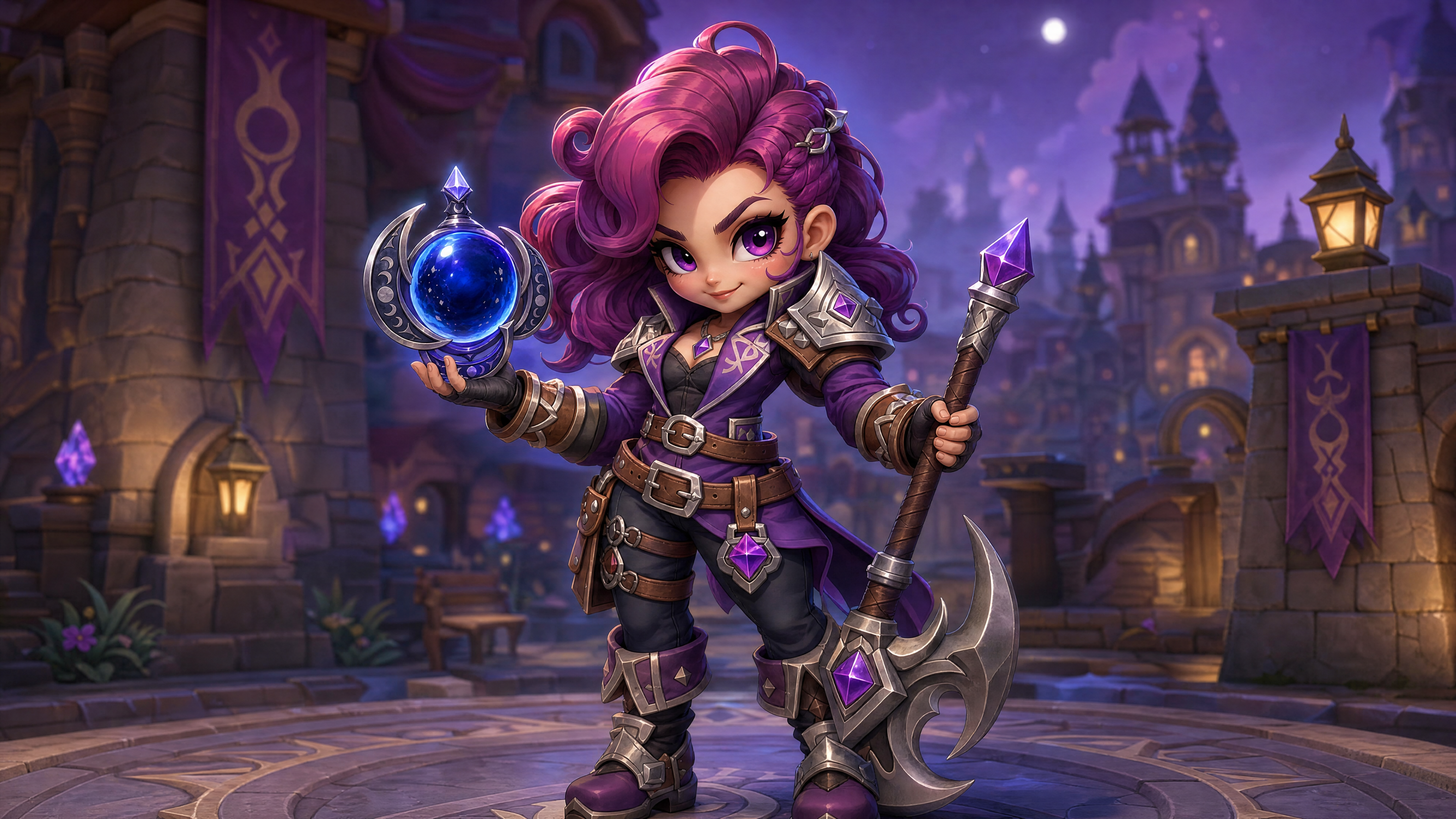
Upload a character and an in-game item, skin, or feature — the workflow generates a quick-cut spotlight reel of the character showing it off from multiple angles and actions, fully rendered in your game's art style, no dialogue. Built the same way official skin-spotlight and reveal-trailer content is: a few punchy beats — an idle showcase, the item in action, a close-up highlight — stitched into one short reel. Ideal for new-item drops, patch-note reveals, and store/social teasers.
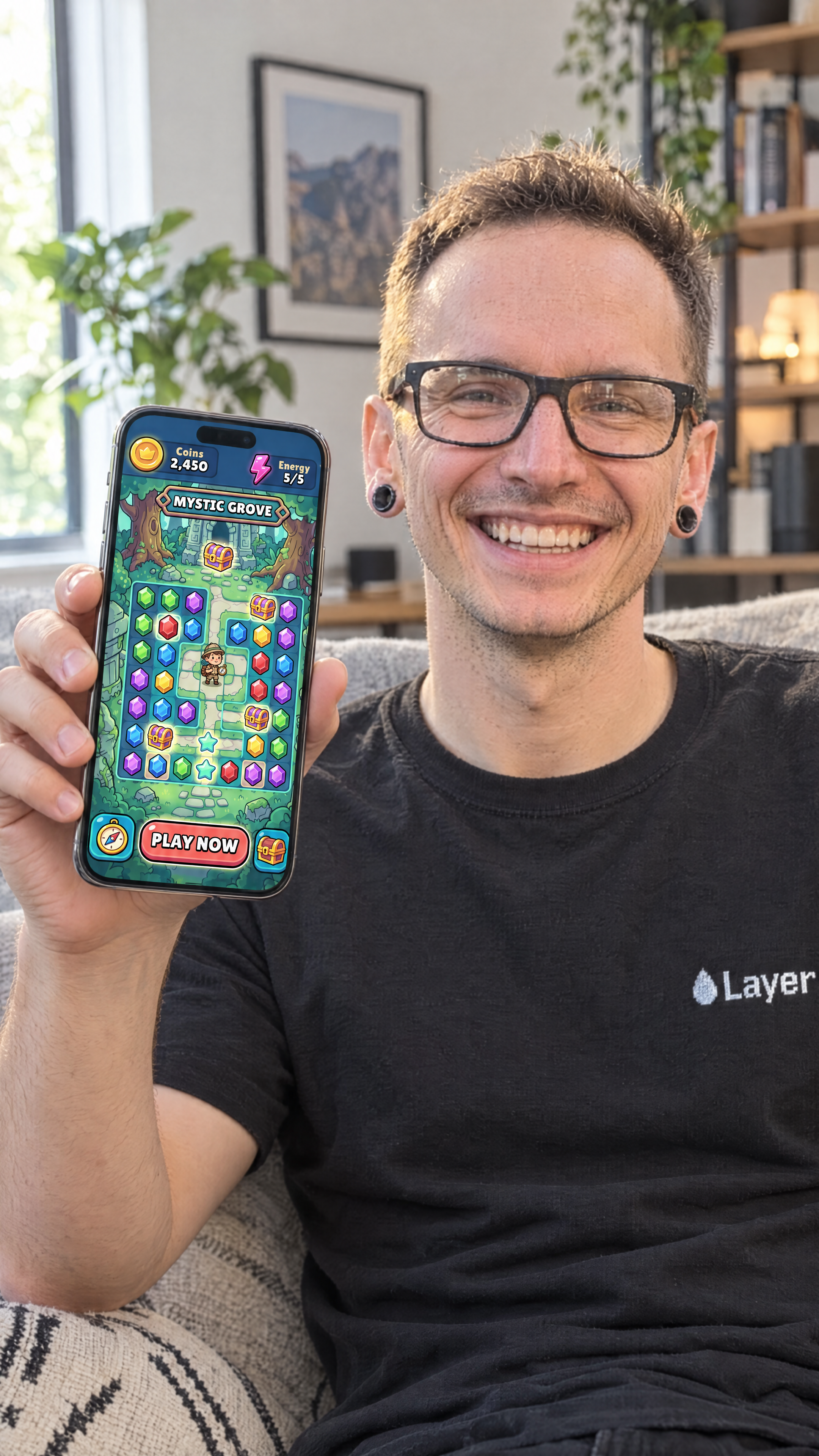
UGC App Showcase creates marketing photos of people holding an iPhone that displays your own app. Upload a person photo (with or without a background) and your app screenshot, optionally describe the scene, and the workflow places them together in a realistic setting.
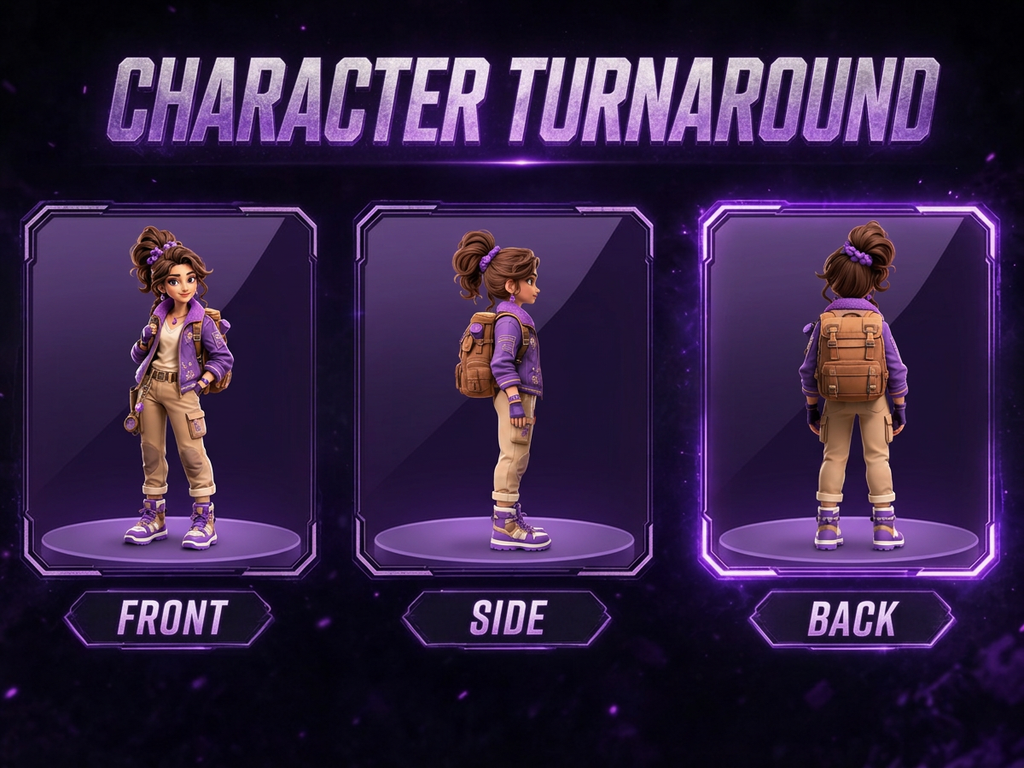
Generate a full character turnaround from a single reference image — front, side, and back views, with consistent style, proportions, and design details across all angles. Ready to use as a production reference sheet for animation, rigging, 3D modeling, or concept hand-off.
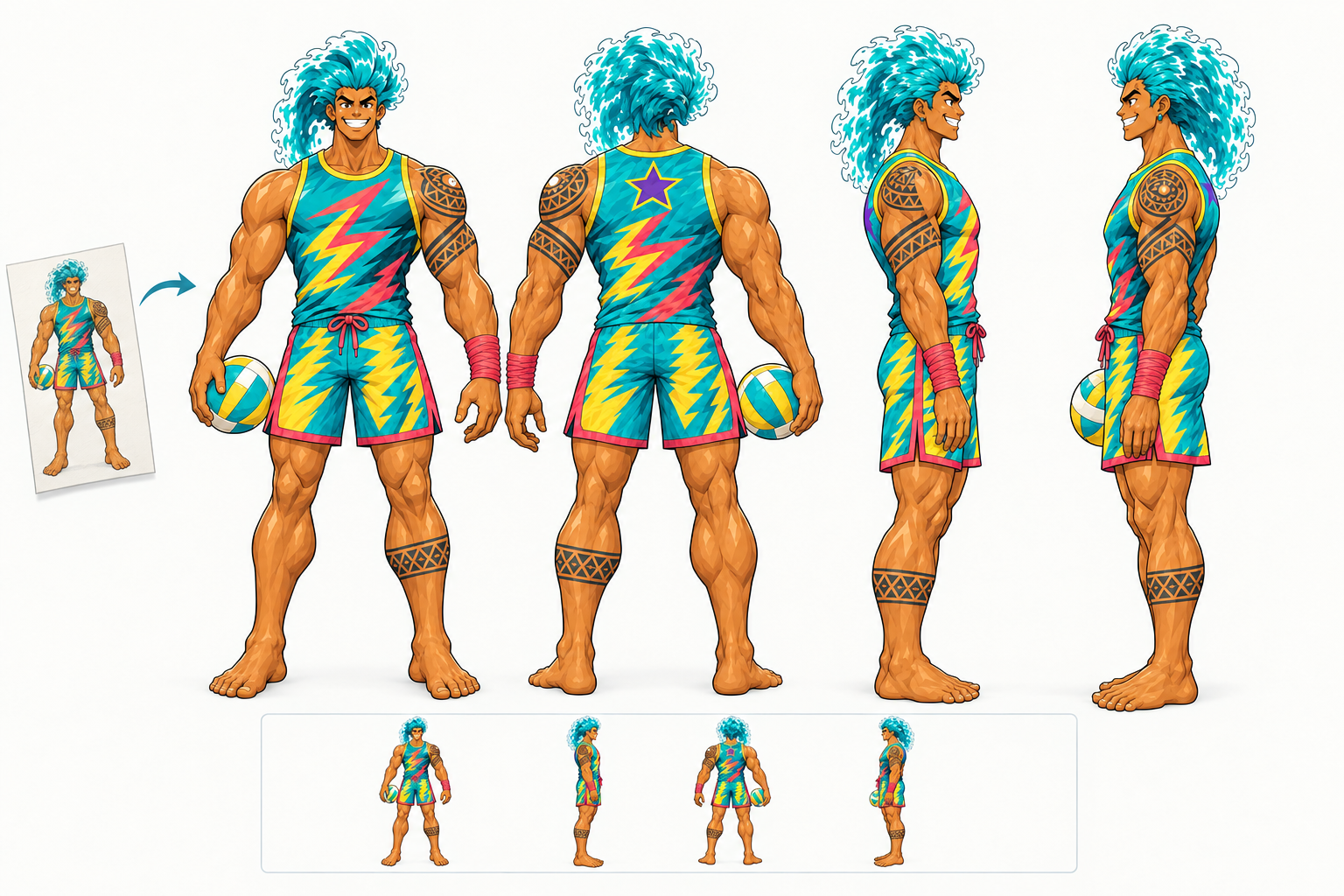
Turn any mascot or brand character (a logo mascot, an illustration, a render or a rough sketch) into a clean 4-view turnaround (front, right, back, left) with true rotation angles and consistent proportions, colors and details across every view. Built for taking a character off the screen and into physical production: toy and plush manufacturers, figurine and 3D print studios, walk-around mascot costume makers and licensing partners get an accurate, color-true reference sheet instead of a single front-facing illustration.
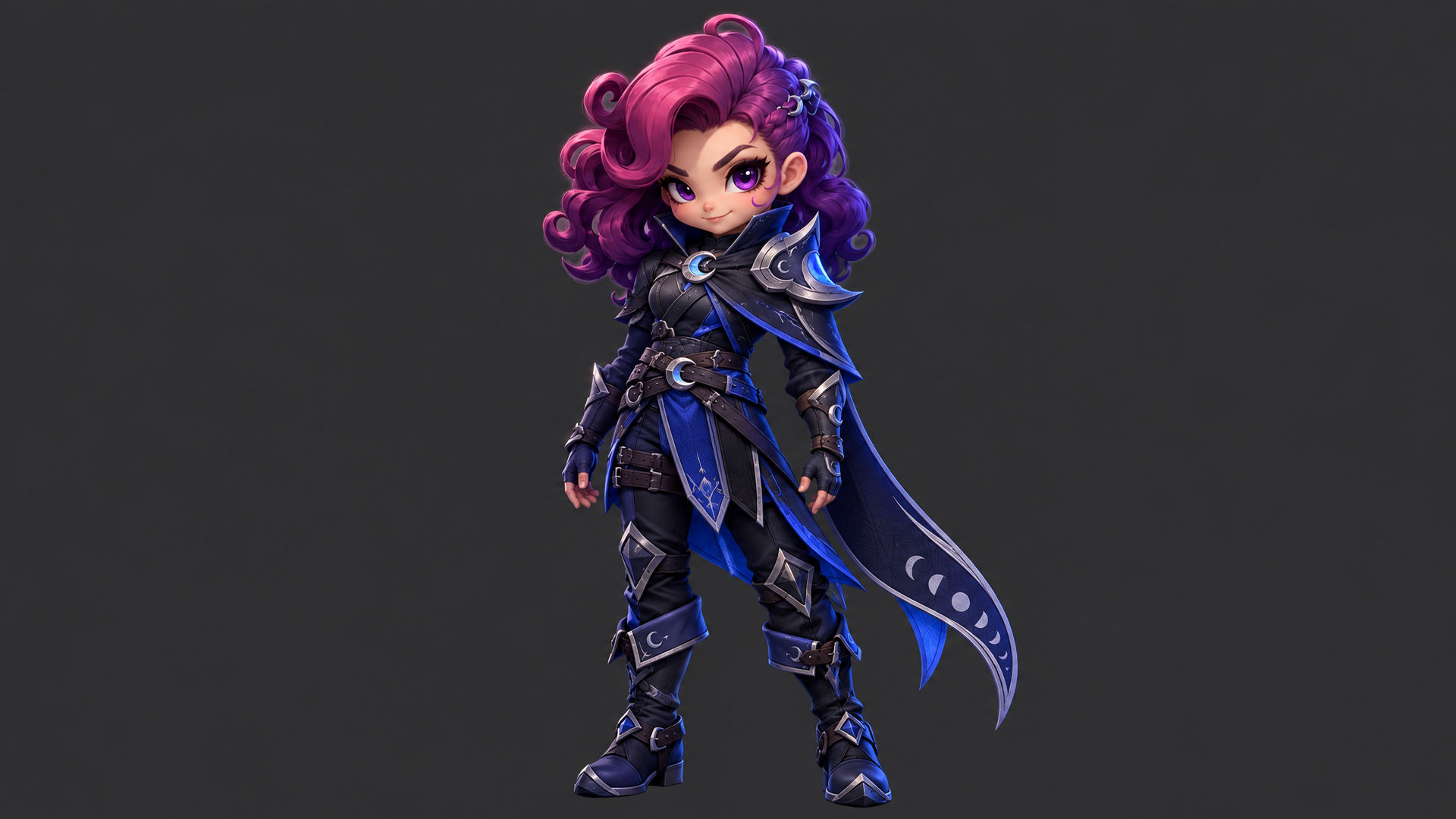
Transfer movements and acting from any reference video to a custom character image instantly.
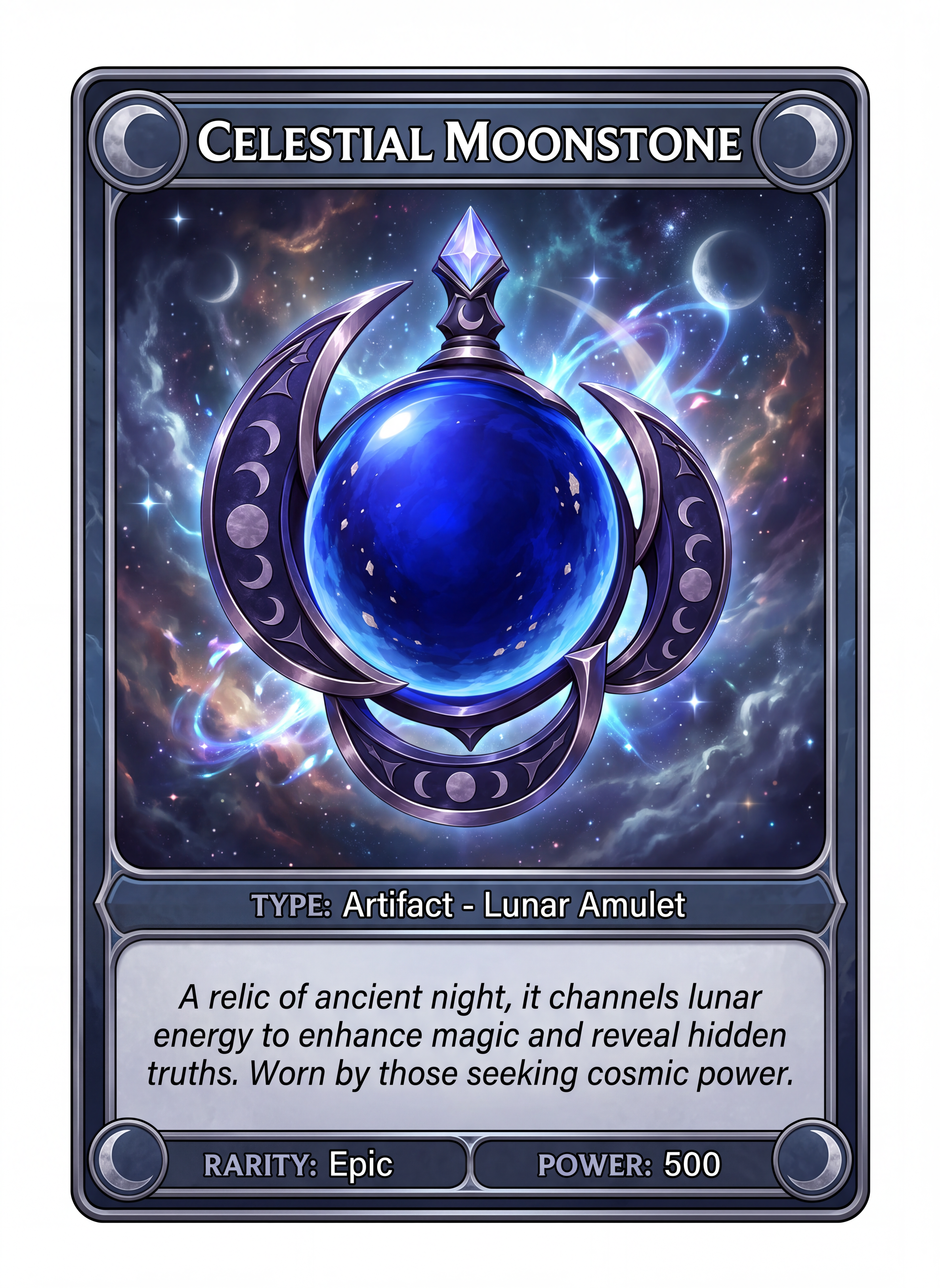
Turn a game character, boss, enemy, or item into an original collectible-card illustration. Choose a genre/style direction for the rarity frame and stat block; the workflow redraws the supplied source in a dynamic pose, invents plausible stats and flavor text, and produces one finished card image without copying a real card-game brand or layout.
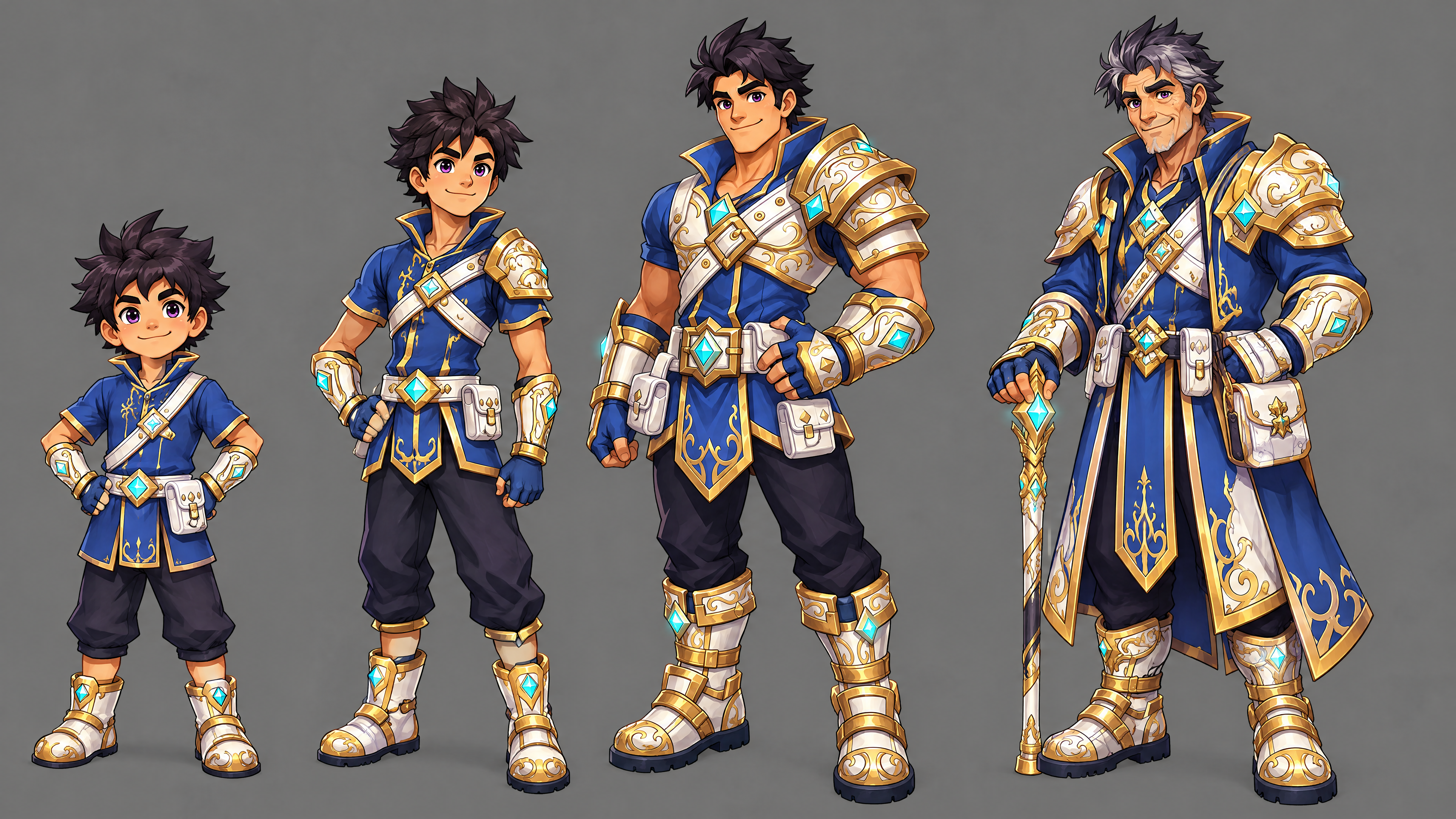
Upload any game character and get a multi-panel sheet showing them across life stages — child, teen, adult, and elder — with consistent identity, core design, and palette held across every panel while age-appropriate proportions, hair, and wear evolve naturally. Built for legacy/aging game mechanics, prophecy or vision sequences, character-bible documentation, timeskip storytelling, and promotional "hero's journey" content.
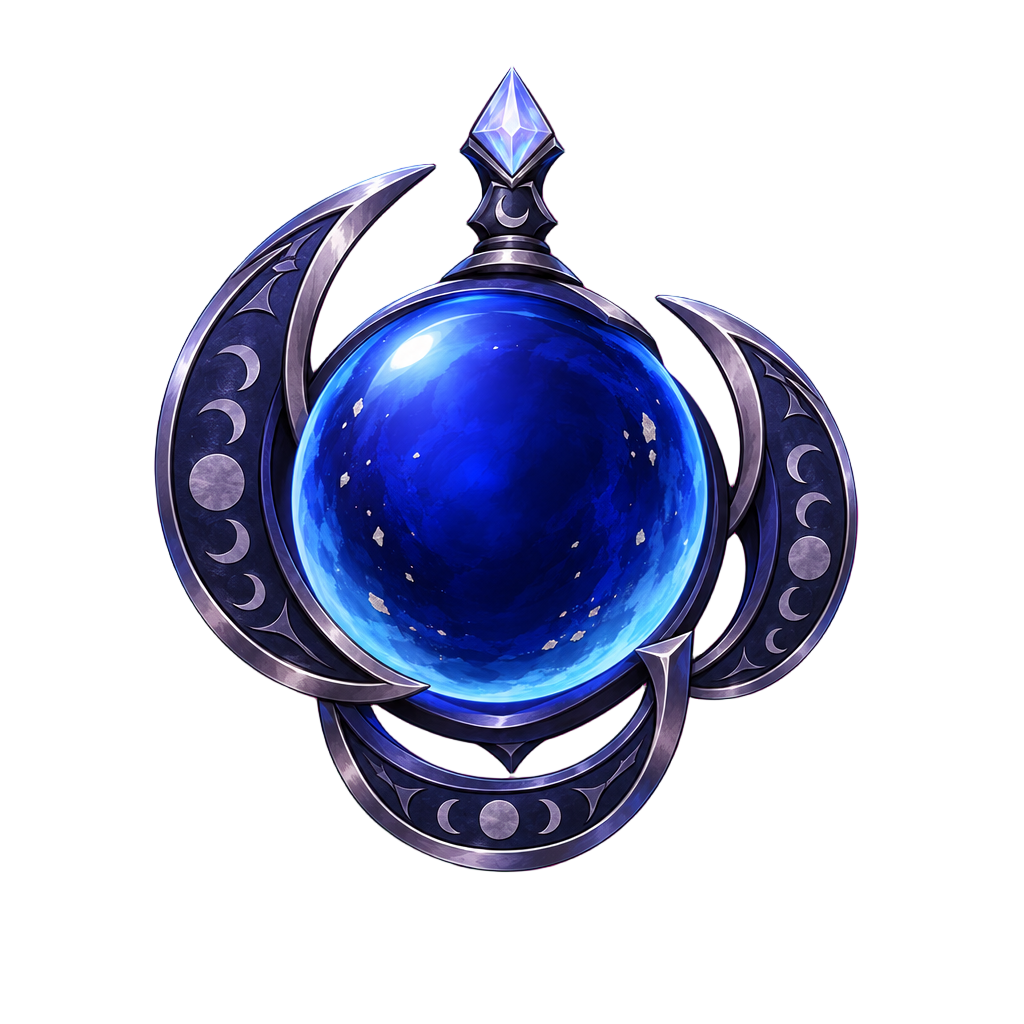
Upload a reference diffuse map and describe the style you want. The workflow generates a seamless texture that preserves the original's structure, UV layout, and surface detail - only the aesthetic changes. No repainting from scratch.
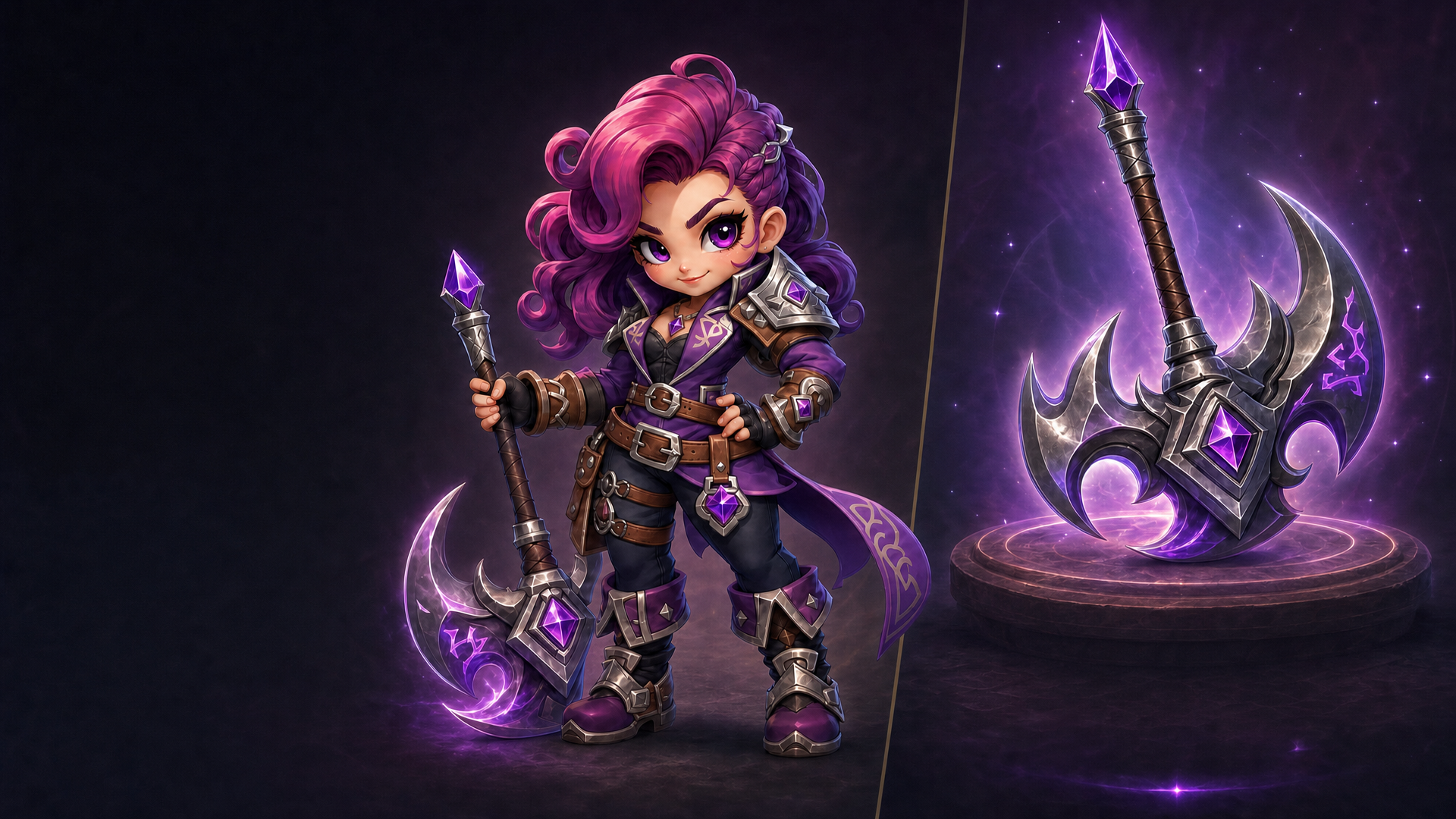
Text Eraser removes text, watermarks, or graphic overlays from images and fills in the area to match the background. Use it to clean up photos or repurpose content by removing unwanted text.
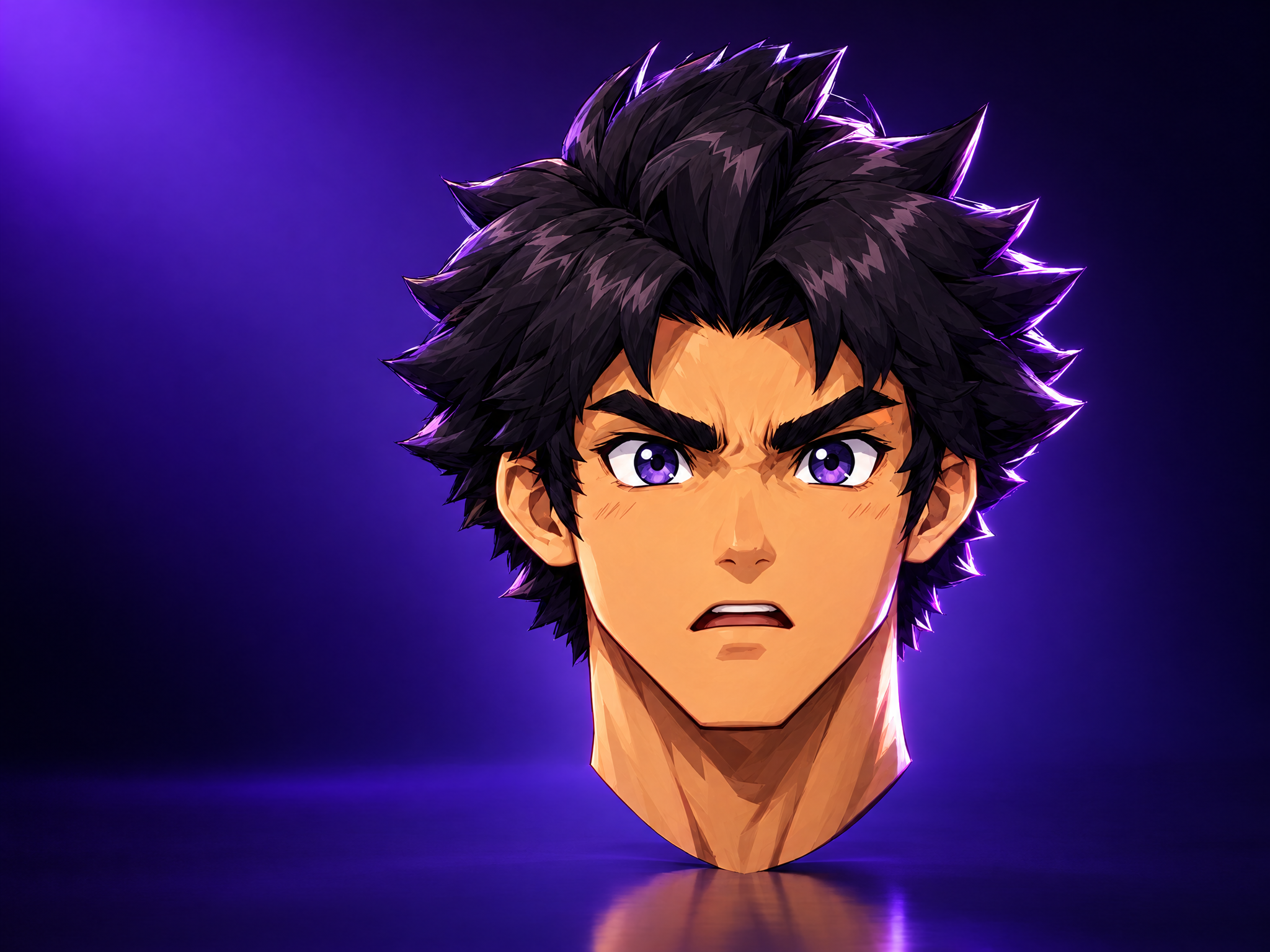
Upload any game character and generate a polished headshot-style portrait — dramatic studio-quality lighting, clean dark background, tight head-and-shoulders framing — while keeping the character's exact design, proportions, and art style intact. Built for character-select screens, profile/loadout icons, credits pages, dev-diary character reveals, and any UI surface that needs a clean, consistent portrait crop rather than a full-body illustration.
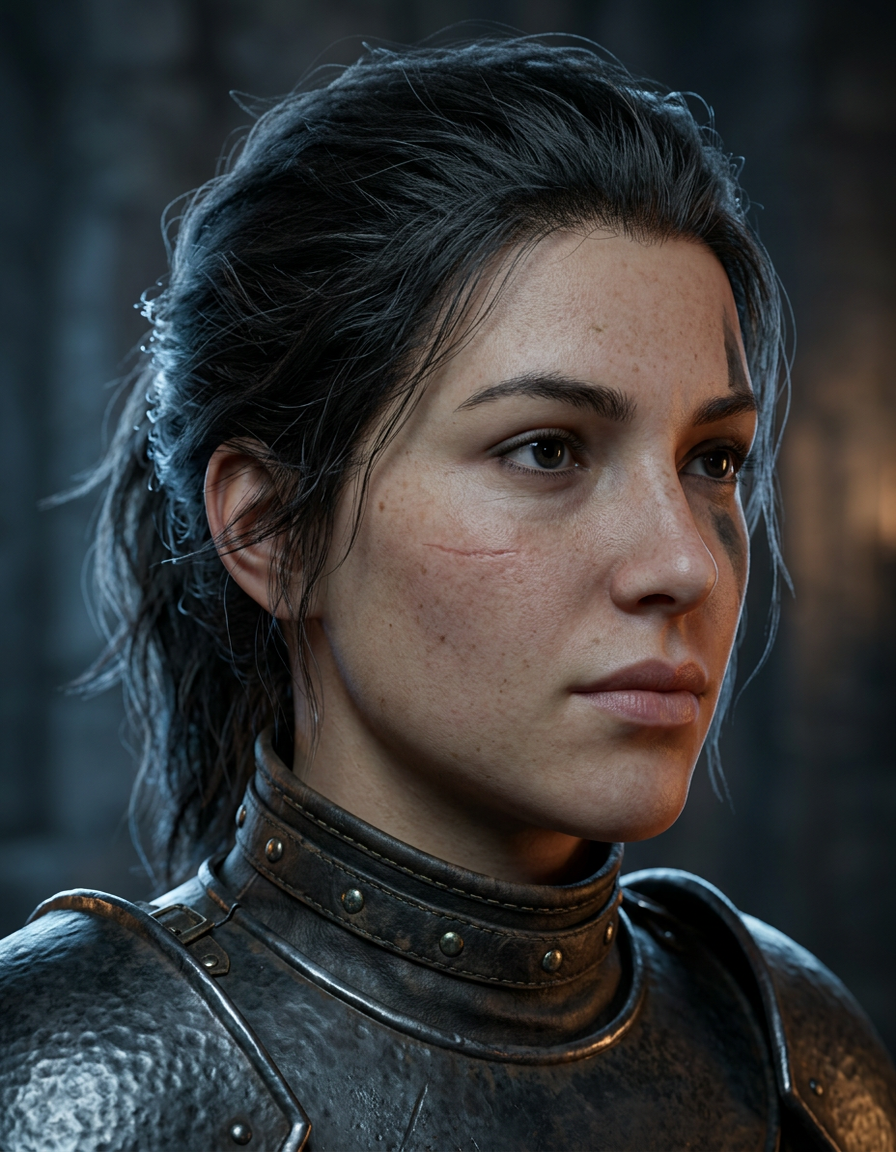
Skin Detail Enhancer adds natural pores, fine lines and realistic surface texture to portraits and character close-ups, making smooth or 'plastic' skin look photorealistic while preserving the subject's identity, expression and lighting. Ideal for bringing AI-generated or CG character renders up to AAA cinematic quality for key art, trailers and marketing close-ups.
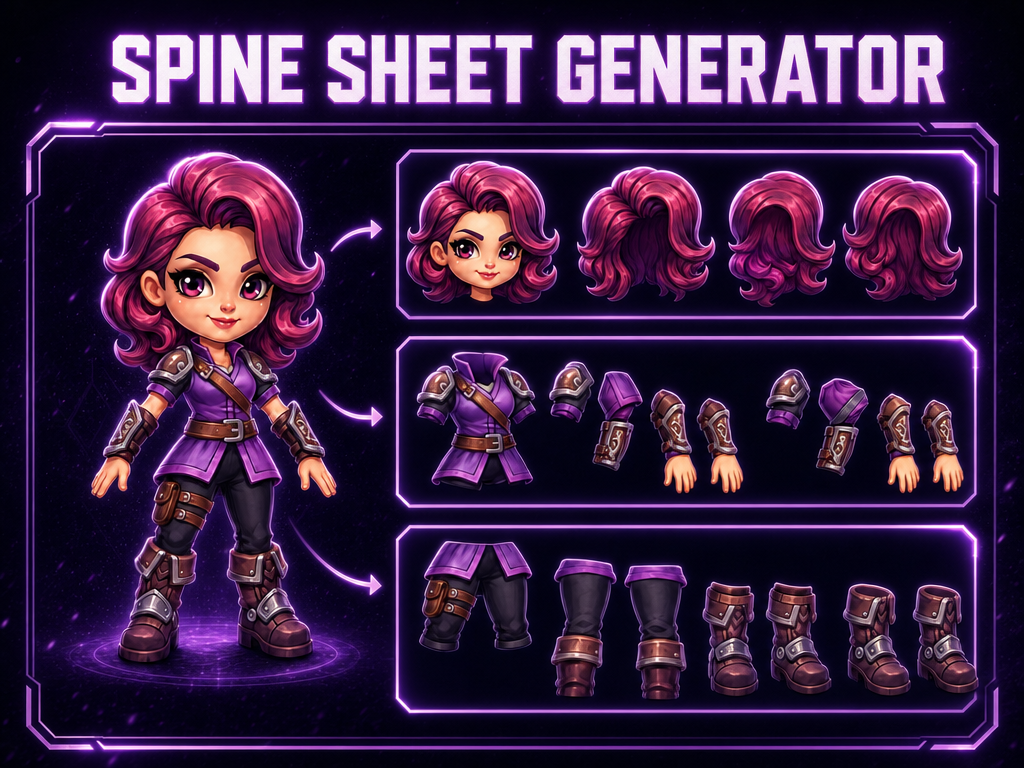
2D Animation Rigging Sheet AI is the ultimate tool for 2D animators and game developers using software like Spine, Live2D, or Moho. It takes your character concept and automatically generates a full "parts sheet," separating limbs, torsos, and heads into individual, consistent assets ready for rigging.
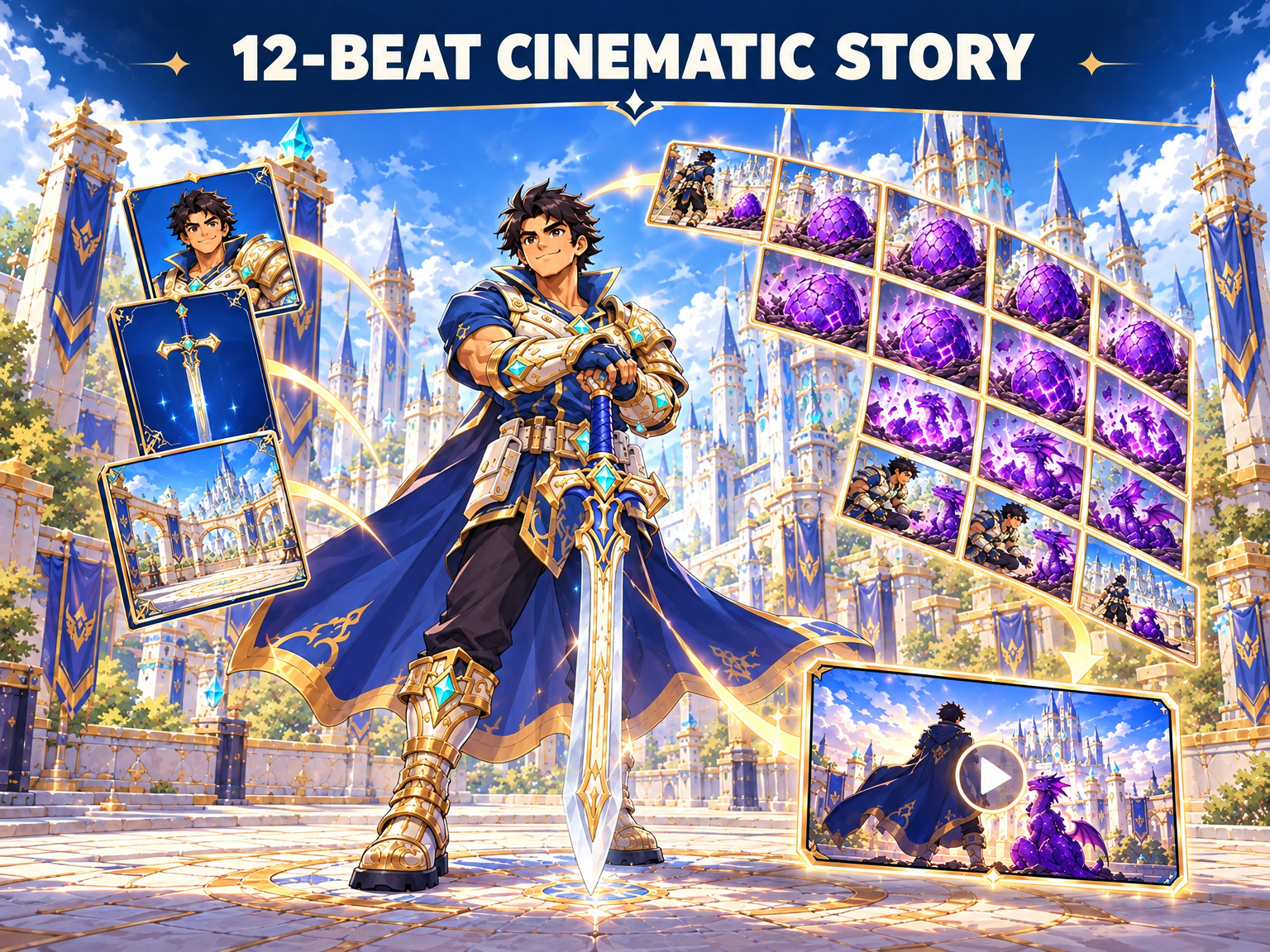
Upload game character art, an in-game weapon asset, and a game environment or level reference. The workflow locks their visual DNA into a reusable asset bible, then generates 12 sequential cinematic beats as video clips with strict continuity for character identity, weapon design, and environment art style—built for game missions, boss encounters, hero reveals, trailers, and live-ops cinematics.
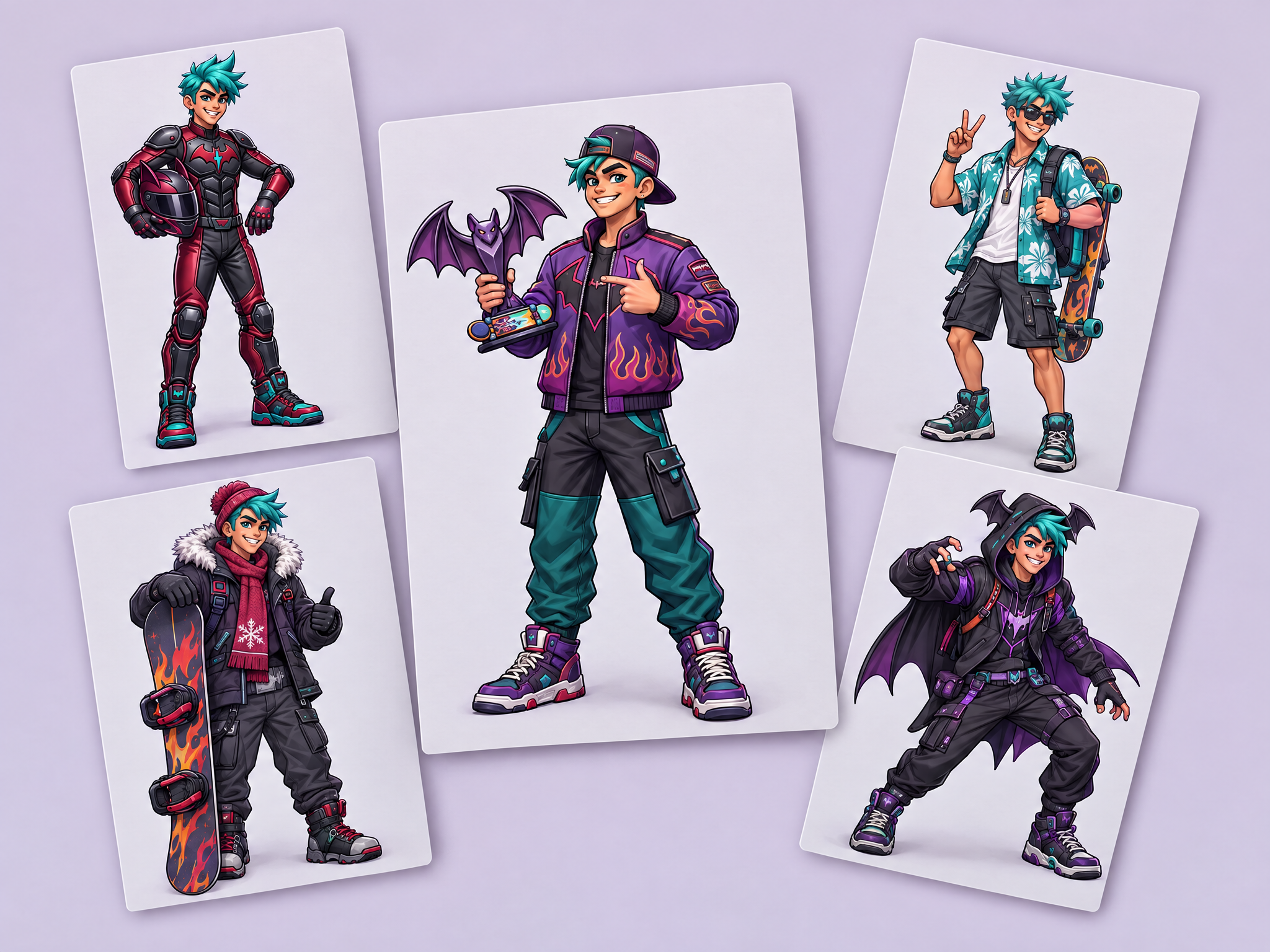
Create four new versions of your character while keeping their identity intact: same face, body and art style.

Build game marketing scenes from your own assets. Upload up to 14 images, describe the scene, and get one cohesive key art image.
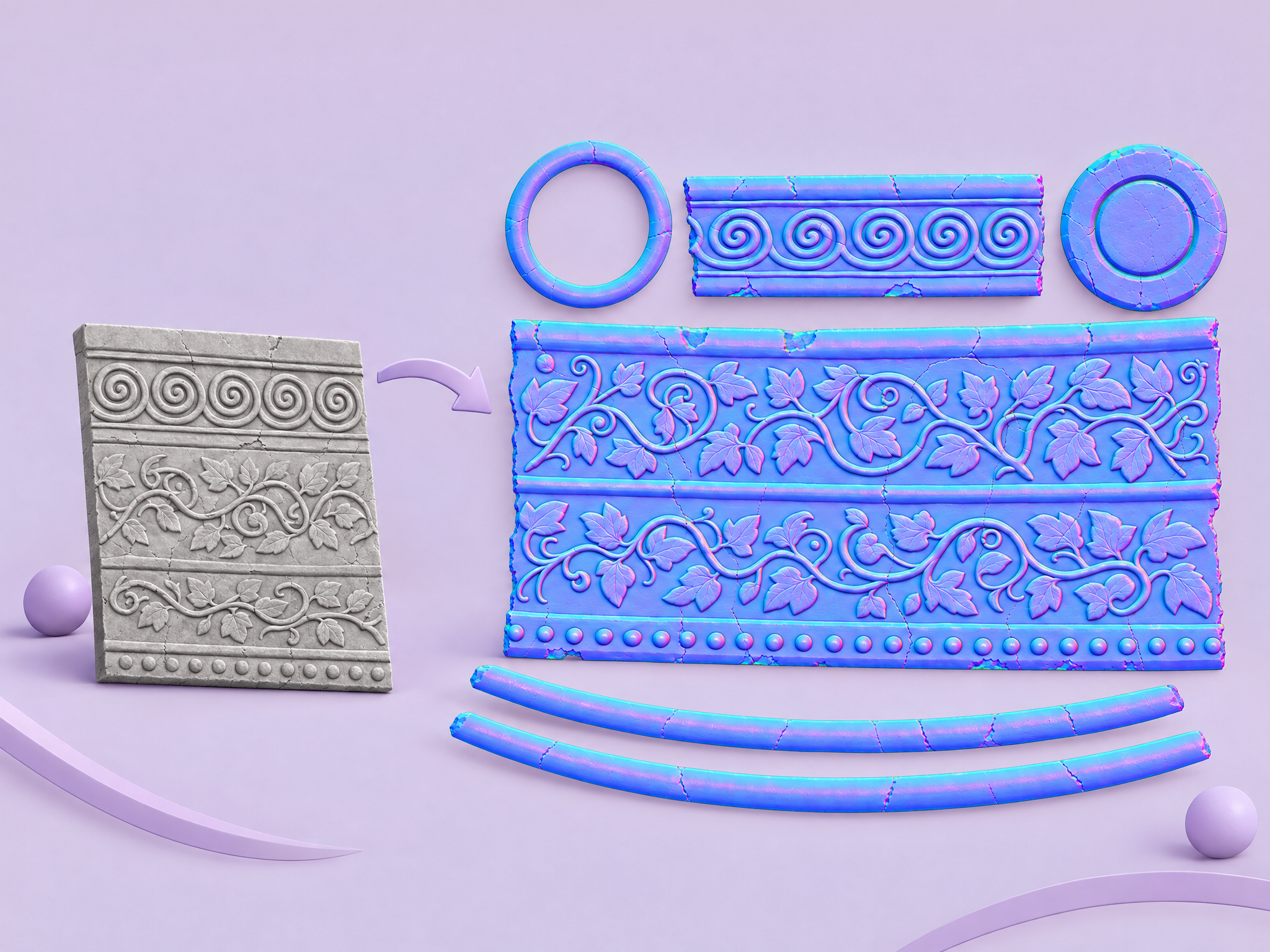
Turn any image or texture into an approximate RGB normal map that adds depth and surface detail in 3D engines.
No tools match your search.
More templates
- Technical Diagram Generator
- T-Shirt Designer
- Storyboard to Scenes
- Sticker Pack Creator
- Splash Screen Composer
- Sketch to Render
- Sketch → Polished Concept Art
- Sketch Colorizer
- Simple Pose Transfer
- Sheets → Toy Figure Stories
- Shadow Remover
- Seasonal Asset Reskin
- Scientific Schematic
- Room Redesign
- Retopologize 3D model
- Restore Old Photo
- Reference to Commercial
- Reference to Character
- Recipe Illustrator
- Professional Headshot Studio
- Product Studio
- Product Reveal
- Product Fusion Pro
- Product Billboard
- Product Billboard (2)
- Product Ad Feature Variants
- Pose Transfer & Character Variation Demo
- Pose Master
- Popup Composer
- Object Eraser
- Normal Mapper
- Next Scene
- New Character Generator
- Multiple Characters Story
- Multi-Format Ad Generator
- Movie Poster Studio
- Moodboard to Anything
- Meme Studio
- Mannequin Maker
- Magazine Cover Studio
- Luxury Product Ads
- Logo Placer Pro
- Isometric Tile Maker
- Isometric Evolution
- Isolate Background
- Instant Photo Maker
- Image to Rigged Low Poly Character
- Image Relight
- Idea → Storyboard → Animated Video
- Icon Set Forge
- Icon Generator
- How to Draw
- Hero Character-to-Talking Avatar
- Hair Studio
- Googly Eyes
- Generative 3D Comparator
- Gaming Ad Localizer
- Game UI Framer
- Game Scene Builder
- Game Level Design
- Game Assets - Concept to 3D Model (Multiview)
- Game 3D Assets - Concept to 3D Model
- Food Photo Pro
- Food Explosion Workflow
- Floor Plan Visualizer
- Figurine Maker
- Fashion Glitch Showcase
- Expression Studio
- Event Promo Generator
- Emotion Sheet
- Emote Studio (3)
- Emote Studio (2)
- Emote Studio (1)
- Emerging Product
- Decades Time Travel
- Creature Fusion
- Costume Sheet
- Cosplay Studio
- Content-Aware Style Transfer
- Concept → Turnaround → 3D pipeline
- Compare Music Models
- Comic Translator
- Comic Page Maker
- Coloring Page Maker
- Color Shifter
- Collection of 3D Icons
- Clothing Ad Workflow
- Cinematic Upscale
- Cinematic Grid
- Chat Sticker Set (JP)
- Character UI Asset Pipeline
- Character Sheet to Cinematic Video
- Character Sheet Generator
- Character Sheet Generator (2)
- Character Sheet Creator
- Character Run Cycle Spritesheet
- Character Remix
- Character Fusion
- Character Expression Variation
- Character Expression Sheet
- Chalkboard Stickers
- Card Pack Generator
- Camera Control Video Shot
- Brand Visualizer
- Brand Identity Workflow
- Book Cover Designer
- Billboard Mockup
- Battle Royale Yourself
- Background Swap
- Audio to Video Lipsync
- Asset Evolution
- Anthropomorphic Character Concept
- Angle Multiplier
- AI Model Multi-Scene Studio
- Age Shifter
- Advertisement scene generator
- Add characters into your video
- Ad Model Swap
- Ad Creative Studio
- Action Sprite Studio
- 8-Direction Sprite Generator
- 3x3 Hairstyles
- 3D Model Texturing
- 3D Character Auto-Rigging
- 3D Brand Storyteller
- Pixel Art Woof
- Add music to a video
- Upscale a video
- Motion transfer
- Fly through a scene
- Extend a clip
- Add subtitles to a video
- Store preview trailer
- Loot chest opening
- Environment loop
- Boss reveal
- Spell & skill FX
- Reframe for every placement
- Character voiceover ad
- 9:16 gameplay hook
- Bring key art to life
- Create a video
- The Unwritten: Check Out
- Word Puzzle Swap
- Purple Nile
- Bio-Core Purge Run
- Winter Camp Warmth
- Recompose as a sprite
- Item and icon set
- Sprite animation sheet
- Retro machine sprite
- Pick a prize
- Slots
- Spin wheel
- Timing combat
- Artillery
- Shooter
- Platformer
- Bingo
- Assembly
- Hidden object
- Knockdown 3D
- Tower defense
- Horde
- Blast
- Merge
- Runner
- Match-3
- Alchemy Shop Tycoon
- Potion Sort
- Decorate the Witch Room
- Treasure Tales
- Merge Keys
- Mini Molly
- Moonlight Broom Dash
- Animate A Character
- Create Spine Components
- Style Transfer to Item (Beta)
- Apply Color Palette To Image
- Idle Animation Loop
- Character Rear View
- Remove From Image
- Add Audio To A Video
- Add Reference To Image
- Reskin UI
- Recolor Elements
- Retexture
- Change a Scene's Lighting
- Character Swap
- Character Level Up
- Batch Theme Items
- Place Characters Into a Scene
- Sketch to Art Style
- Try Out New Hairstyles
- Generate a Sprite Sheet
- Outfit Change
- Batch Remove Background
- Tileable Texture
- Style Transfer to Scene (Beta)
- Item Evolution Chain
- In-Game Currency Upgrade Chain
- Reskin A Map
- Image To Sprite
- Make a Tiktok video
- Batch Upscale
- Consistent Character Placement
- Outpainting a Scene