AI Image Restoration
Repair Old or Damaged Art Without a Repaint
Repair scans, archival art and over-compressed images, rebuilding the detail age and processing took away.
![Made with FLUX.2 [flex]](https://media.dev.layer.ai/workspaces/e0d140a8-adb6-4433-b765-d2dae85a0ce0/files/7e88c2b3-3999-4ee8-9e90-9f85543233ce/flux-2-flex-posted-0_400.png)
Image Restoration
Long-running games accumulate an archive that does not survive well. Key art exists only as a compressed JPEG, the original concept paintings are scans with dust on them, and the layered source files for the first season's assets are gone. Anniversary events, remasters and retrospectives all want that art back, and the copies on hand are not good enough to ship.
Image Restoration on Layer repairs it. Pick a generative model to rebuild detail that compression and age took out, or a scan clean-up model that clears dust and scratches without touching the rest of the frame, and get the result back at the original resolution.
![Made with FLUX.2 [flex]](https://media.dev.layer.ai/workspaces/e0d140a8-adb6-4433-b765-d2dae85a0ce0/files/4b9a84c2-accd-4712-9a1e-e44286ec318b/flux-2-flex-posted-1_400.png)
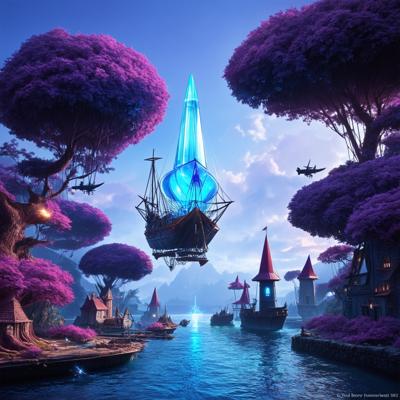
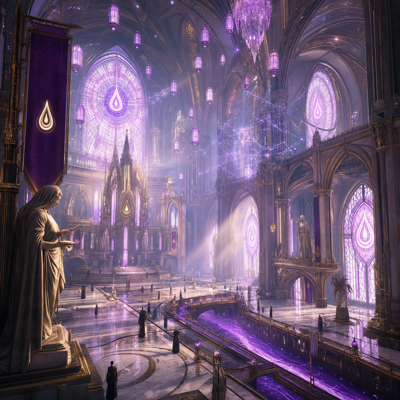
01
Key capabilities
Detail Rebuilt From Damage
A generative restoration model reconstructs natural detail in images that lost it to age, compression or heavy processing.
Dust and Scratch Clean-up
A dedicated model clears the specks and scratch marks film scanning leaves, for scans that need cleaning rather than reconstruction.
One-pass Restore
A single-step option with no tier, strength or prompt to set, trained on fully licensed data for commercial work.
Source Resolution Preserved
Output matches the input size, so the restored file replaces the damaged one in the library without re-layout.
Batch and Workflow Ready
Restore one image in a session, or run an archive folder through a node-based workflow that restores, upscales and exports in one pass.
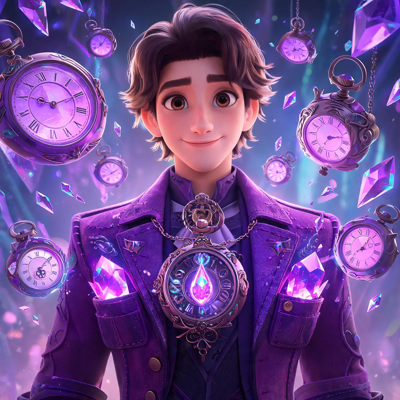
![Made with FLUX.2 [flex]](https://media.dev.layer.ai/workspaces/e0d140a8-adb6-4433-b765-d2dae85a0ce0/files/53072569-c8d6-4770-a7c4-1dfcccec2258/flux-2-flex-posted-2_400.png)
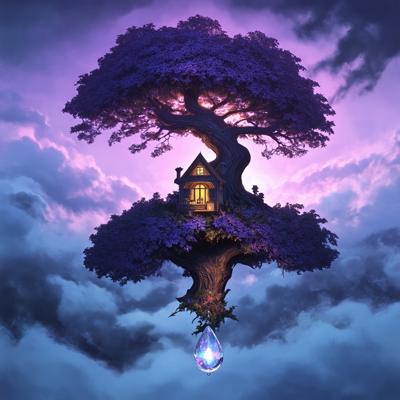
02
How it works
Bring in the damaged image
Upload a scan, an old export or a compressed copy, or pick one from your asset library.
Choose the repair
Use the generative model for lost detail, the scan clean-up model for dust and scratches, or the one-pass restore when you want it done without tuning.
Review and carry on
Layer returns the restored image at the original resolution. Compare it with the source, then upscale, edit or export it.
The industry's best image models. One platform.
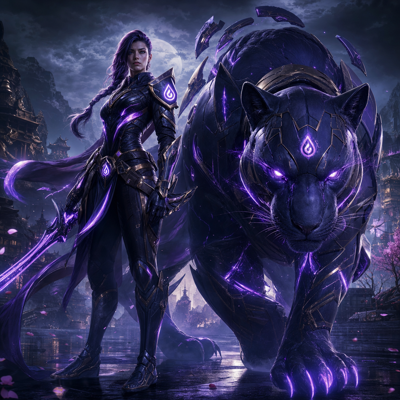
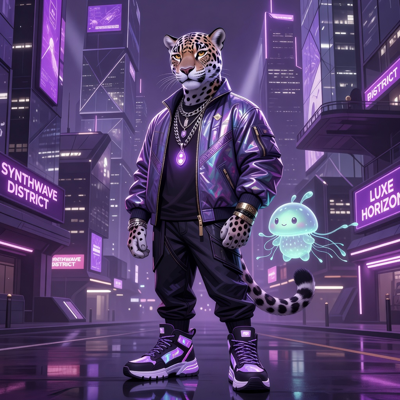
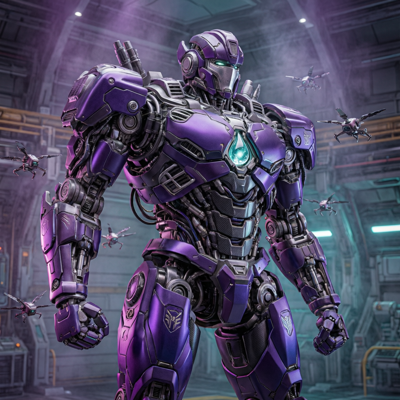
![Made with FLUX.2 [flex]](https://media.dev.layer.ai/workspaces/e0d140a8-adb6-4433-b765-d2dae85a0ce0/files/1567e9f0-7c50-44f1-a9f3-88964f687219/flux-2-flex-posted-3_400.png)
03
Built for game production
Anniversaries and Remasters
Bring launch-era key art and character portraits back to a standard that holds up next to current assets.
Traditional Concept Archives
Clean scans of painted and drawn concept work so the studio's history can go into art books, galleries and reference sets.
Compressed Leftovers
When the only copy of an asset is a heavily compressed file pulled from an old store page, rebuild its detail instead of commissioning a re-creation.
Live-ops Reuse
Seasonal events often revive older content. Restore the original art so a returning character looks like it belongs in today's build.
04
Related features
Questions about Image Restoration
What does Image Restoration do?+
It repairs images that have been damaged by age, scanning or heavy processing. Depending on the model you pick, it rebuilds natural detail lost to compression, or clears the dust and scratch marks a film scan picks up.
Which restoration models can I choose from?+
There is a generative restoration model for archival scans and art that has lost detail to compression, a dust and scratch model for scanned negatives and slides that need cleaning rather than reconstruction, and a one-pass restore with no settings to tune.
Is the output safe for commercial use?+
One of the restoration models is trained by Bria on fully licensed data, so its output is suitable for commercial work. Choose it when provenance matters for the asset.
Does restoration change the image size?+
Output keeps the source resolution. To take a restored asset to a larger size for a store page or print, follow it with Upscale.
Does it help with captures that came out soft?+
It rebuilds detail the same way for a capture that came out soft as for art damaged by scanning, compression or age, and keeps the original resolution. It is not built to remove heavy motion blur or to refocus a shot that missed focus.
Try Image Restoration today
Bring your archive back into service. Start restoring on Layer.