
AI 3D Character Animation
Describe the Move, Watch the Character Perform It
Make a 3D character move from a description of the motion.

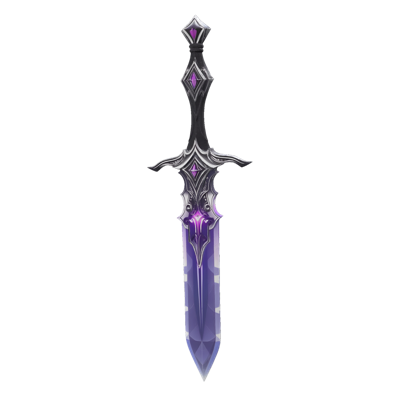
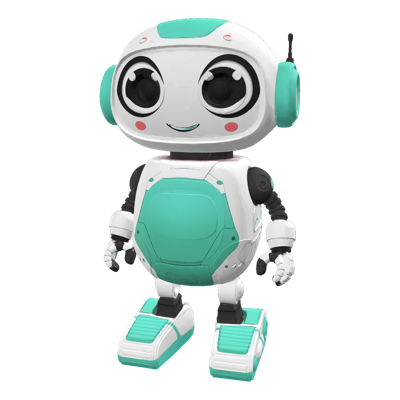
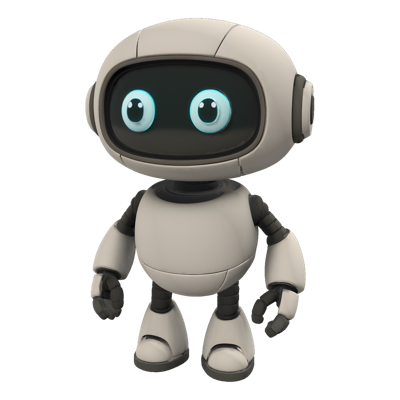
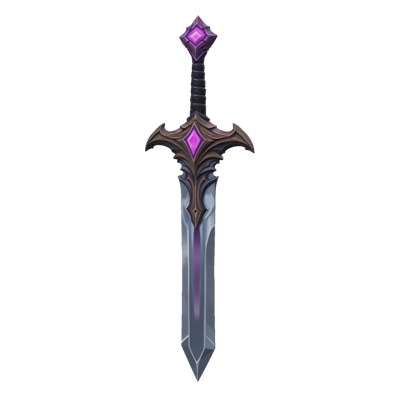

3D Animation
A character that stands still is only half done. Blocking out motion for every character in a prototype, a pitch or a content drop takes animator time that most teams spend on the hero assets alone.
3D Animation on Layer makes a character move from a description. Provide the mesh, say what the character should do, and review the motion in the same workspace the character was made in.
01
Key capabilities
Motion From a Description
Describe the movement in plain words, from a walk cycle to an attack, and the character performs it.
Works on Your Characters
Animate characters generated in Layer or meshes you bring in from elsewhere.
Part of the 3D Toolkit
Sits alongside 3D generation, rigging, remeshing and retexturing, so a character can go from concept to motion in one place.
02
How it works
Select the character
Upload a mesh or choose a character from your workspace.
Describe the motion
Say what the character should do.
Animate and review
The animated character returns to your workspace, ready to review.
The industry's best 3D models. One platform.
03
Built for game production
Prototypes and Pitches
Show characters moving in a prototype or pitch without waiting on a full animation pass.
Previs and Blocking
Block out motion early to test timing and readability before final animation.
Content Drops
Give a batch of new characters a first set of motions for review in one session.
04
Related features
Questions about 3D Animation
What does 3D Animation do?+
It makes a 3D character move. You provide the character mesh and describe the motion, and Layer returns the animated character.
What kinds of motion can I describe?+
Describe the movement in plain words, such as a walk cycle, an idle loop or an attack. A specific description gives a more specific result.
How is this different from rigging?+
Rigging adds a skeleton to a character so it can be posed and animated. 3D Animation produces the motion itself from your description.
Can I animate characters generated in Layer?+
Yes. Characters generated in Layer can be animated in the same workspace, alongside meshes you upload.
Try 3D Animation today
Bring your characters to life. Start animating on Layer.