
3D Mesh Segmentation
Split Any Model into Parts You Can Work With
Break a single mesh into separate parts for editing, swapping and modular kits.
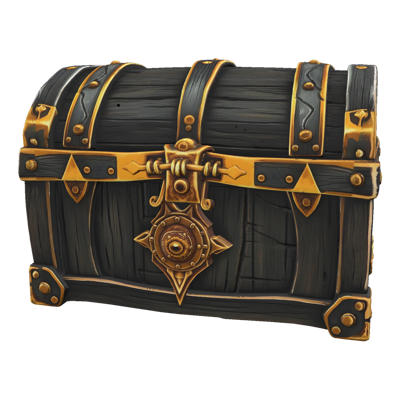
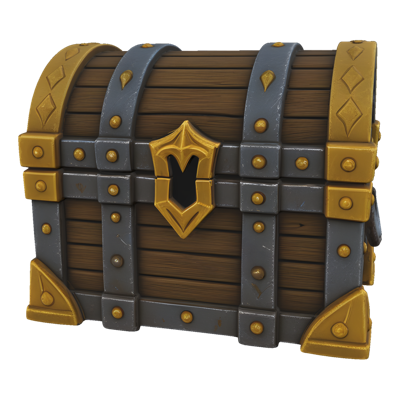

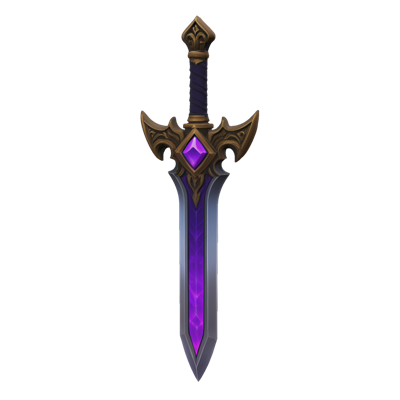

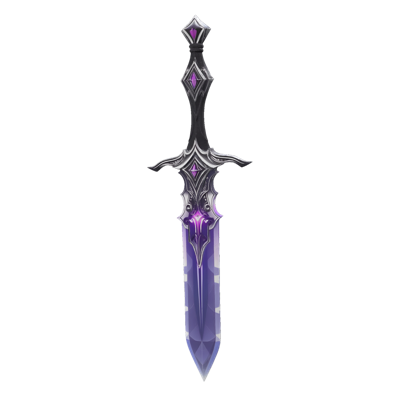




3D Segmentation
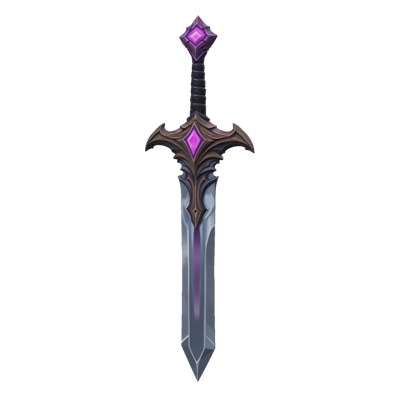
Generated, scanned and photogrammetry models share a problem: everything is one piece. The sword is welded to the hand, the helmet is part of the head, and the wheels are fused to the cart. Before anyone can swap a weapon, recolour the armour or reuse a component, someone has to cut the mesh apart by hand.
Segment on Layer splits a single model into separate parts. Upload a mesh, pick a segmentation model, and get back the same asset grouped into pieces you can edit, retexture or reuse on their own.
01
Key capabilities
Automatic Part Detection
Layer finds the natural parts of a model, its limbs, armour pieces, wheels or architectural elements, and separates them without you drawing a single cut.
Parts You Name
When you know what you want split out, name the parts and segment along them instead of accepting a generic split.
Character Templates and Granularity
Choose a model that applies body-part templates to characters, or one that lets you set how fine the split should be, from a few large pieces to many small ones.
A Choice of Segmentation Models
Several segmentation models sit behind the one tool, each suited to different meshes and goals. Pick the one that fits the asset in front of you.
Part of the 3D Toolkit
Segment sits beside Remesh, UV Unwrap, Retexture and Rig & Animate, so separated parts can be optimised, textured and animated without leaving Layer.
02
How it works
Bring in a mesh
Start from a model generated on Layer, an export from your DCC tool, or a scan that arrived as a single fused piece.
Choose how to split it
Pick a segmentation model, then let it find the parts automatically or describe the parts you want, depending on what the model supports.
Work with the parts
Download the part-grouped model, or send individual pieces on to Retexture, Remesh or UV Unwrap to finish them.
The industry's best 3D models. One platform.
03
Built for game production
Modular Kits
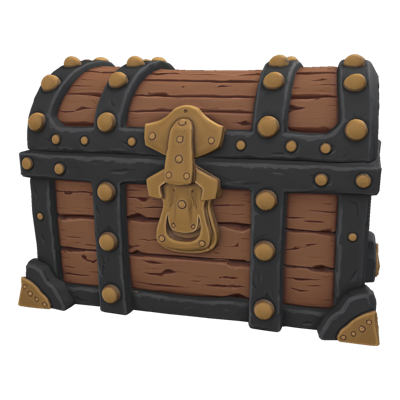
Turn one generated building, vehicle or prop into a kit of interchangeable pieces, so level designers can assemble variety from a single source.
Character Customisation
Separate helmets, armour, weapons and accessories so they can be swapped, recoloured or sold as cosmetics on their own.
Per-Part Materials
Give each part its own material: metal on the armour, leather on the straps, cloth on the cape, without painting across one fused surface.
Edit Without Rebuilding
Fix or replace one element of an approved model, a bent blade or an oversized pauldron, without regenerating or remodelling the whole asset.
04
Related features
Questions about 3D Segmentation
What does 3D segmentation do?+
It takes a single 3D model and splits it into separate parts, returning a model grouped by part. A character becomes head, torso and limbs; a vehicle becomes body and wheels; a prop becomes its component pieces.
Why split a model into parts?+
Generated and scanned models arrive as one fused piece. Separate parts are what let you edit one element without touching the rest, swap pieces between variants, assign materials per part, or build a modular kit from a single source model.
Can I choose which parts it splits out?+
Depending on the model you pick, segmentation can find the parts on its own, cut along parts you name, apply a body-part template for characters, or let you set how fine or coarse the split should be.
Does it work on models I did not generate on Layer?+
Most segmentation models accept any mesh you upload, whether it came from Layer, your DCC tool or a scan. Some are built for particular sources or file types, and Layer shows which inputs each model accepts when you choose it.
What can I do with the parts afterwards?+
Download them for editing in Blender, Maya or your engine, or keep working in Layer: retexture a part, remesh it to budget, or carry the pieces into a modular asset library.
Try 3D Segmentation today
Stop hand-cutting fused meshes apart. Segment your first model free on Layer.