Skip to content
Layer

Motion Designer

Video production on autopilot. You approve what ships.

Brief it the way you would brief a production team. It writes the script, makes the shots, the voice and the music, builds the edit and re-cuts it for each placement, and stops where the decision is yours.

Runs on Creative Units. No per-seat fees.

Every element in a film like this is something Motion Designer can make.ScriptShotsVoiceMusicEditEach placement

Examples

Films for games and apps, from the trailer to the cutscene

Say what the video is for. It picks a structure, a look and a length that suit the type, and asks when your brief leaves something open.

From Layer's own launches and original games. Every element in them is something Motion Designer can make.

Game trailers
Launch, announcement and gameplay trailers, teasers, and season reveals that build to a title or a date.
Social ads
UA video ads and social cuts with the hook up front, ending on an install ask or a sign-off.
App walkthroughs
Feature videos and app-store previews, built from your own screenshots and screen recordings.
Product reveals
A new feature, a battle pass, a hero skin or a loot chest, shown off in motion graphics or lit 3D scenes.
Cutscenes
Story scenes, level intros and the opening film, framed as the game, with no end card.

How it works

From a brief to each placement, in one thread

One agent directs the whole production and a specialist agent builds the edit. Everything between your decisions runs on its own.

marks where you decide

  1. 01

    Brief

    Pick Create marketing video in the tool menu, or describe the video in chat, and attach what you have. Whatever the brief leaves open comes back on one card with its defaults already picked, so you can plan the video as it stands.

    You confirm the card

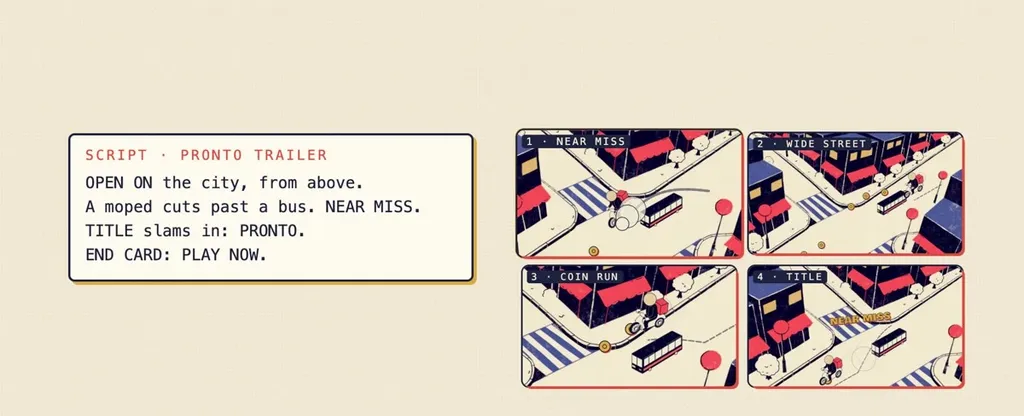
  2. A trailer script card beside four storyboard shots
    02

    Script and shots

    It writes the idea, the beats and the on-screen copy, and directs each shot. Pick "Storyboard first" to approve a still per beat before anything is built.

    You approve the storyboard, if you ask for one

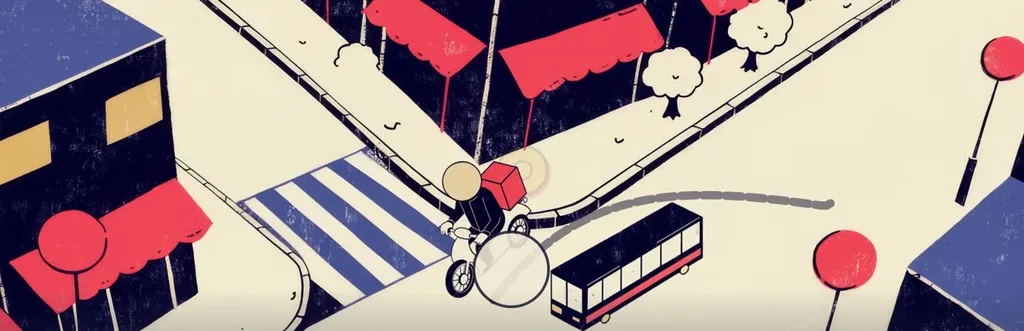
  3. A generated city scene with a moped passing a bus
    03

    Footage

    Stills, clips and 3D models, each made on a model that suits the shot, or your own gameplay, playable and screen recordings. Before each batch it tells you what it is making.

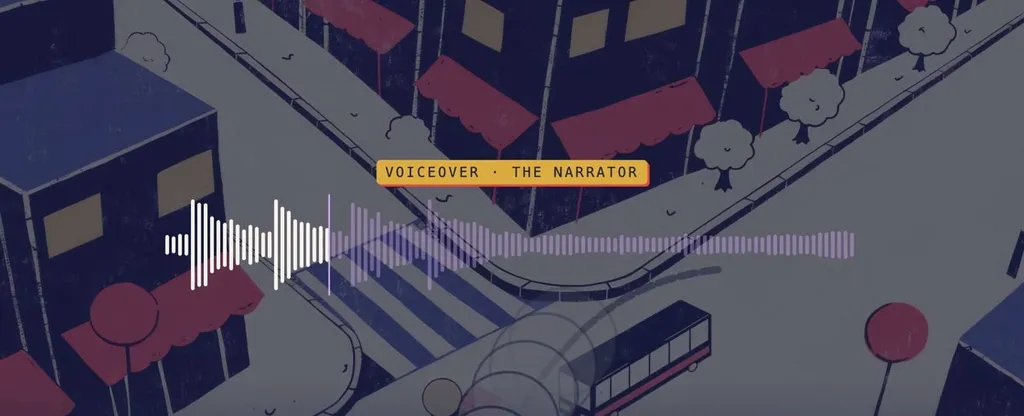
  4. A voiceover waveform laid over the city scene
    04

    Voice, music and sound

    A voiceover with burned-in subtitles, a music bed planned section by section to the cut, and sound effects where the action lands.

  5. The game title animating in over the scene, with a reward card
    05

    Edit and motion design

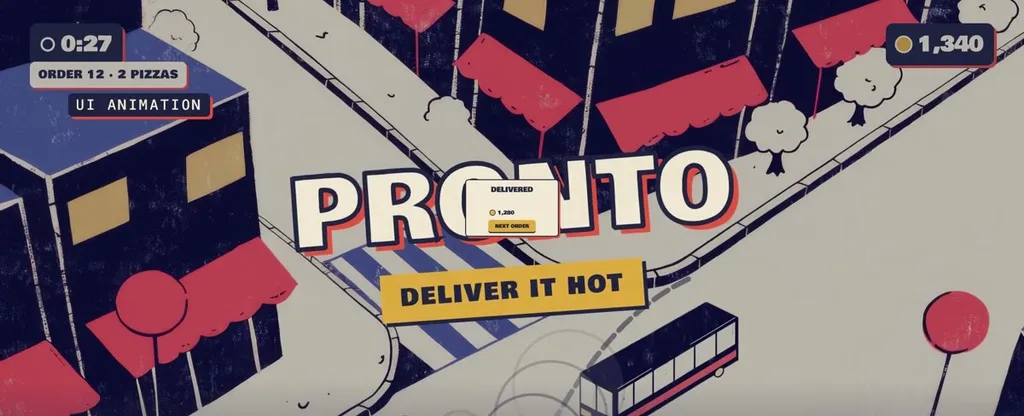
    A specialist agent builds the edit in code: kinetic type, animated UI, 3D scenes, transitions and timed reveals, rendered at up to 1080p.

  6. 06

    Review and changes

    The film lands on your board. Ask for changes in plain words; each revision continues the thread that built it, so nothing starts over.

    You review the cut

  7. The same trailer end card in 16:9, 1:1 and 9:16
    07

    Each placement

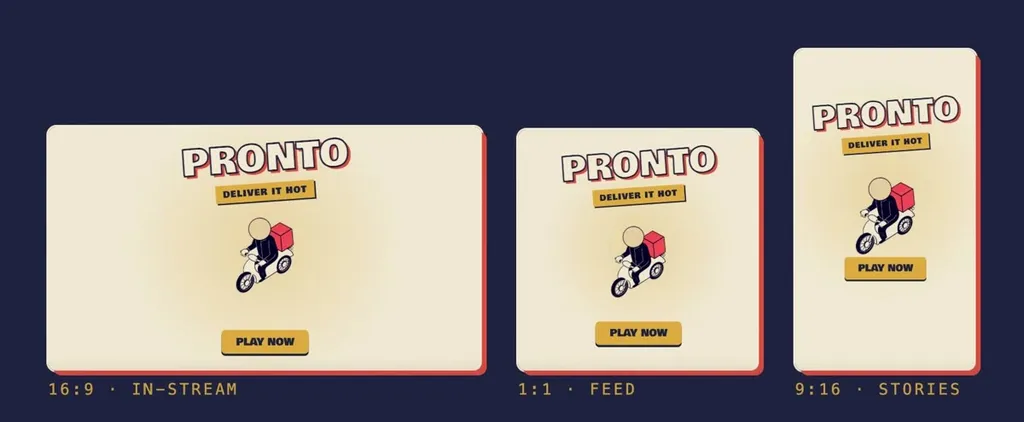
    Once you are happy with the first format, it re-cuts the film for each placement you need, vertical, wide or square, one after another on the same thread.

    You pick the placements

  8. Eight vertical ads from one gameplay recording, each a different concept
    08

    Variants to test

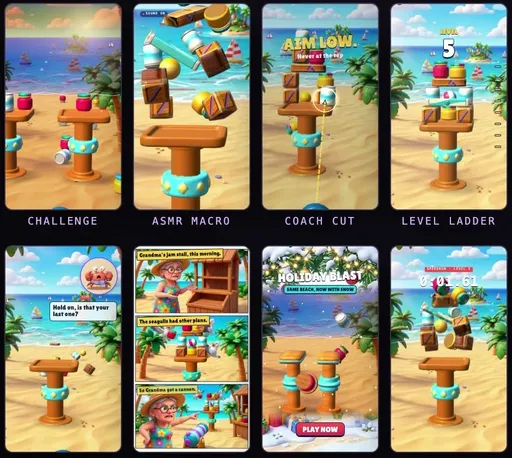
    Ask for variants and it builds different hooks and concepts from the same footage, each as its own ad, so your tests decide what runs.

Nothing posts by itself. Finished files wait on your board until you publish them.

The tools underneath

Built on all of Layer, not bolted on

Motion Designer works inside Layer, with the same models, references, playables and controls your team already uses. The agent uses the parts a film needs, and the rest of Layer handles everything around it.

  • Directs

    Motion Designer

    The brief, the script, the shots, the sound and the edit. It owns the creative direction and hands the build to a video code generator that renders the film.

  • Works beside

    Layer's other agents

    UA Creative Strategist: ad research and strategyAsset Generation: single assets, static adsPlayable Generation: playable ads it can filmWeb research: named games and reference ads
  • Generates with

    500+ models

    ImageVideo3D, rigged and animatedMusic, voice and sound effectsThe right model for each shot
  • Stays on brand with

    Your references

    Brand reference setsCharacter and style referencesCustom style trainingWorkspace Skills: your house rulesMemory: preferences you save
  • Around it

    Your stack

    11 integrationsNode-based WorkflowsCLISDKMCP serverConnectors to ad networks and drives
  • Governed by

    Your workspace controls

    AI ControlsYour own model-provider keysRoles and custom rolesExportable audit logsSSO/SCIMSOC 2 Type II

Who it is for

The same crew, sized to your team

For large brands and studios

Scale the content calendar. Keep the guardrails.

  • Live-ops on schedule. Season reveals, event teasers and UA cuts, each briefed in its own thread and re-cut for each placement.
  • Brand safety. Logo, fonts and colours from your Brand reference set, your brand book as a Workspace Skill, and only your own files shown as your product.
  • Governance. AI Controls set which models and modalities may run, and when a run needs a spend confirmation. Custom roles, SSO/SCIM, exportable audit logs, and your own model-provider keys on Enterprise.
  • Security. SOC 2 Type II. Customer data is never used to train foundation models. Customer data is stored in the European Union.
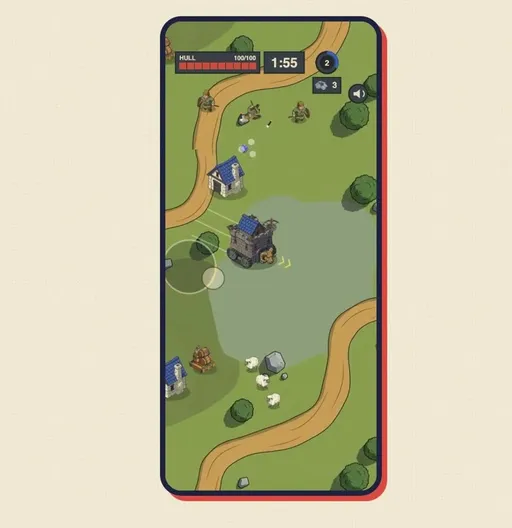
For small teams and solo founders

One prompt to a finished video.

  • Start from what you have. A sentence, your store link, a gameplay clip, your playable or a few screenshots.
  • One card, already filled in. Change what you care about and keep the rest: its defaults are the ones a production team would pick for that type of video.
  • No timeline to learn. Ask for changes in plain words and get the revised cut back on your board.
  • Pay for what you make. Creative Units per video, with no per-seat fees.

Your brand

Your brand in every frame

It builds from your brand, not from a model's idea of it.

What you bring

Your own gameplay recording on a phone
Your gameplay

What ships

  • Logo
  • Fonts
  • Colours
  • Your gameplay
Brand reference set
Your logo, fonts and colours, used as supplied. Start a project from your App Store, Google Play or Steam link and Layer builds the set for you.
Your own footage
Gameplay, a playable, screenshots and screen recordings. It shows only your own files as your product.
Characters on model
A character's reference set keeps its look from pose to pose, and its voice when it speaks.
Your house rules
Workspace Skills carry your brand book into each brief, and it remembers a preference once you approve saving it. If one of your rules would hurt the film, it says so before it builds and offers an alternative.

You stay in charge

Autopilot, not unsupervised

It takes the production off your plate, so your people can stay on the product and the work that cannot be automated. The decisions that make the film yours stay with you.

Motion Designer does

Off your plate

  • Script drafts and shot lists
  • Generating stills, clips and 3D for each shot
  • Voiceover, subtitles, music and sound effects
  • The edit, the type and the UI animation
  • Re-cuts for each placement
  • Hook and concept variants to test

You decide

Stays with you

  • Your product, your game and its footage
  • The strategy: what the video is for and who it is for
  • Taste: the look, the copy, the final cut
  • Approvals, and when anything goes live
  • The work only your team can do

Where you decide

  1. 1

    The effort

    You see the Creative Units and time per round for the effort you pick, then start the session.

  2. 2

    The brief

    You confirm the opening card, or submit it as it stands.

  3. 3

    The storyboard

    You approve a still per beat before the build, when you ask for one.

  4. 4

    The cut

    You review the film and ask for changes until it is right.

  5. 5

    The release

    You choose the placements, and you publish.

Admins set the ground rules once for the workspace: AI Controls for which models and modalities may run and when a run needs a spend confirmation, roles for who can do what, usage limits per group, and an audit log of what was made.

Integrations

Works where your team already works

The finished film lands on your Layer board. Layer's plugins bring generation into the tools you cut, design and build in, and developers can drive Layer from code.

  • Premiere Pro

    Clips on your timeline

  • After Effects

    Motion inside your comps

  • DaVinci Resolve

    Generate from the edit page

  • Photoshop

    Generate inside your canvas

  • Figma

    Assets straight into frames

  • Blender

    Meshes and textures in your scene

  • Maya

    Rigged assets into Maya

  • Unity

    Assets into your project

  • Unreal Engine

    Straight into your levels

  • Slack

    Generate and review in channels

  • Chrome

    Grab references from any page

  • CLI, SDK and MCP

    Drive Layer from code and from other agents

Adobe, Photoshop, Premiere Pro and After Effects are either registered trademarks or trademarks of Adobe in the United States and/or other countries. Other product names are trademarks of their owners.

Proof

The platform underneath is already in production

400+
studios build on Layer
10,000+
artists, producers, and growth teams
500+
models across image, video, 3D and audio
3x to 8x
production throughput, as studios report it on Layer
SOC 2
Type II, with SSO/SCIM and role-based access control

Pricing

How pricing works

Pay for what a video uses

Each video draws Creative Units for the generations it makes, each model at its own rate, plus the agents' work and the render. A render that fails costs nothing.

No per-seat fees

Consumption pricing, so the whole team can brief it: the producer, the UA manager and the founder alike.

Spend where you set it

Monthly plans, volume discounts on annual commitments, and usage limits per group. Before a session starts, it shows the Creative Units and time per round for the effort you choose.

See plans and rates

Questions about Motion Designer

What can Motion Designer make?+

Game trailers, UA and social video ads, app walkthroughs and store previews, product and live-ops reveals, and in-game cutscenes. Each is planned, made, scored and edited in one thread.

How do I start a video?+

In Layer, open the tool menu and pick Create marketing video, or describe the video in chat. Attach what you have: a store link, gameplay, a playable or screenshots.

Can I use my own gameplay and brand?+

Yes. It films your own gameplay, playables and screen recordings, and takes your logo, fonts and colours from a Brand reference set. Only your own files are shown as your product.

Does anything publish without me?+

No. Finished files wait on your board until you publish them, and you confirm the brief, review the cut and pick the placements along the way.

Which formats does it deliver?+

Vertical 9:16, wide 16:9 and square 1:1, rendered at up to 1080p. It cuts the first format, then re-cuts the film for each placement you pick.

How is it priced?+

In Creative Units, for the generations a video makes, the agents' work and the render, with no per-seat fees. Before a session starts it shows the Creative Units and time per round for the effort you choose.

Hand off the next video.

Brief Motion Designer the way you would brief a production team: a sentence, a few answers, your approval. It makes the rest.

In Layer, open the tool menu and pick Create marketing video